 regards vs Mobbin (2026): which one for website design?
Mobbin keeps the fullest record of what apps ship. regards keeps the websites worth designing from, section by section, searchable by how they look.
The short answer
Pick Mobbin for app screens and user flows: it holds over 620,000 screens from iOS and web apps. Pick regards for how a website should look: 2,760+ sections from 360+ sites chosen for their design, each read for its look, so you and your agent can search for a look in plain words. Mobbin costs less once you pay; regards’ free plan searches the whole library.
Mobbin keeps the fullest record of what apps ship: over 620,000 screens and 153,400 flows from iOS and web apps, and since 2025 websites too. Ask it how real products handle onboarding or checkout, and it has nearly all of them.
regards answers a different question: what does a great version of this section look like? It keeps only
websites, 360+ of them picked one at a time for how they look, cuts each into its sections, and reads every section
for its look. 2,760+ sections, and you can search all of them the way you would describe a look to a designer, or
let your agent do it.
If you design apps, the choice is quick. If you design websites, it’s worth a closer look.
What do they have in common?
Both are made from real, shipped work, not concepts. Both search in plain words, both show website sections (a hero, a pricing table, a footer) inside the page they came from, and both plug into your AI tools over MCP, so Claude, Cursor or Codex can search them in the middle of a task. Both have a free plan.
How do regards and Mobbin compare?
| regards | Mobbin | |
|---|---|---|
| What’s in it | Sections of websites: heroes, pricing tables, footers and two dozen other kinds | Screens and flows from iOS and web apps, and since 2025 sections of marketing sites |
| How big | 2,760+ sections from 360+ sites | 620,000+ screens, 153,400+ flows, 1,000+ apps; no total published for sites |
| How sites get in | Picked one at a time, for how they look | About 13 new apps a week, hand-curated since 2018 |
| How a section is kept | A screenshot of the whole section, read for its layout, type, colour, imagery and motion, with a link to the live page | A slice of a full-page screenshot or a short video clip, tagged by kind of section, style and category |
| Search | Plain words, by look: a mood, a colour, a typeface, a kind of section, a site, the words on it | Plain words across screens, flows and sections; text inside screenshots; filters |
| Deep search | Looks at the top 60 sections and puts the best first | Reads what you mean; documented for screens and flows |
| More like this | Similar sections under every section (48 on paid plans) | Visual search and similar screens, launched for app screens |
| Free plan | 10 searches a day and 5 Deep a month, across the whole library | The latest 4 apps and 4 sites; no search |
| Agents | MCP on Pro and Studio, and a design skill that researches each brief here first | MCP on Pro, Team and Enterprise; REST API on Team and Enterprise |
| Saving and teams | Not yet | Collections, shared collections, comments, Copy to Figma |
| Price | Pro $20/month or $200/year; Studio $60/month | Pro $10/month billed yearly or $15/month quarterly; Team $16/member/month yearly |
Why does regards keep fewer sections?
Because on a website, the look is the point. A record of everything that shipped is the right tool for “how do apps handle onboarding?”: the answer lives in the patterns, and more examples make it surer. Ask what a hero should look like and more examples mostly bring more of the same, the template hero and the three-column feature grid.
- Every site is chosen for how it looks. Studios, portfolios, fashion and editorial sites as well as product sites, picked one at a time, so whatever you search for, what comes back is worth studying.
- Every section is read for its look: its layout, type, colour, imagery and motion. So a look is
something you can search: “soft gradients with fine film grain”, “brutalist footer”, “editorial, lots of white space,
oversized serif”, “not dark”. Mobbin’s own comparison with Refero sets aside the question of which library looks
better. That question is the one regards is for.
- Better references make better pages. People design from what they look at, and so do agents.
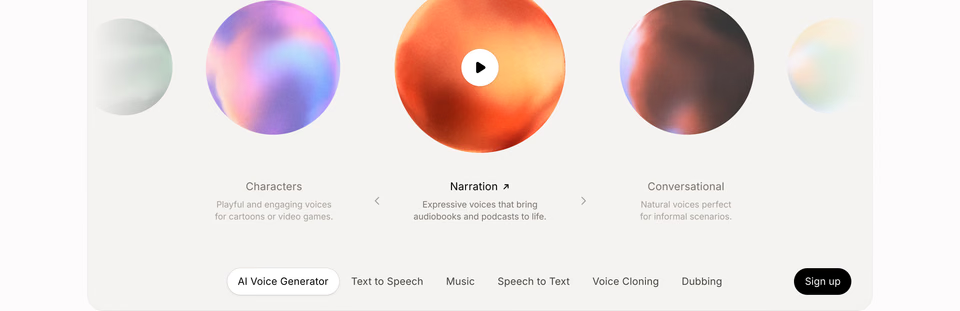
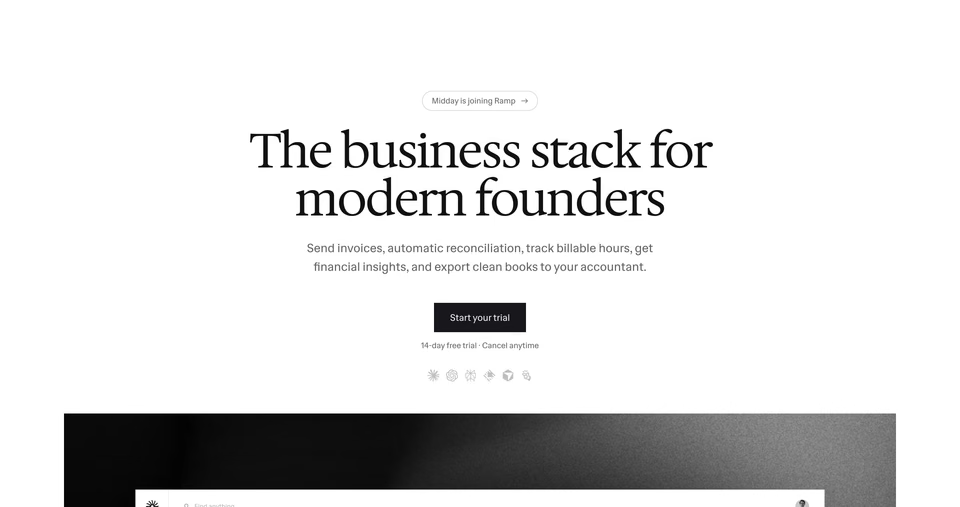
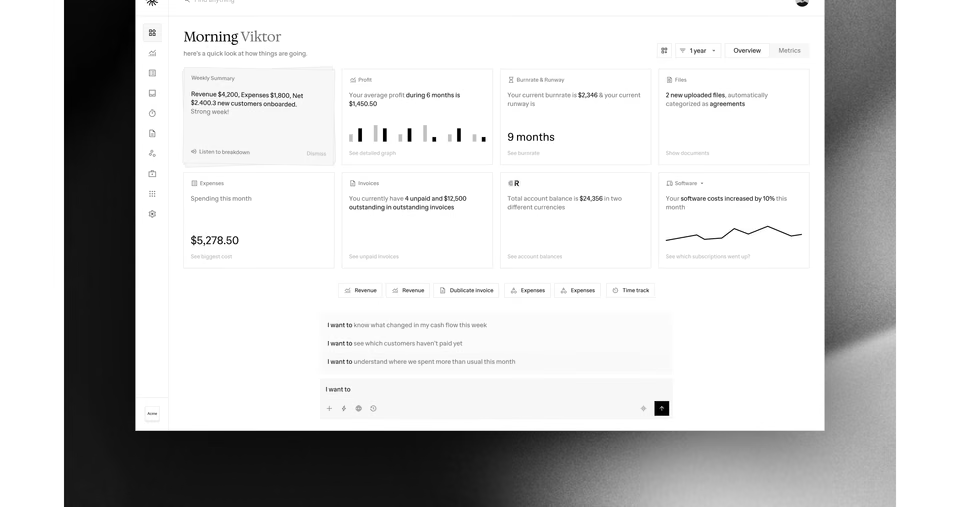
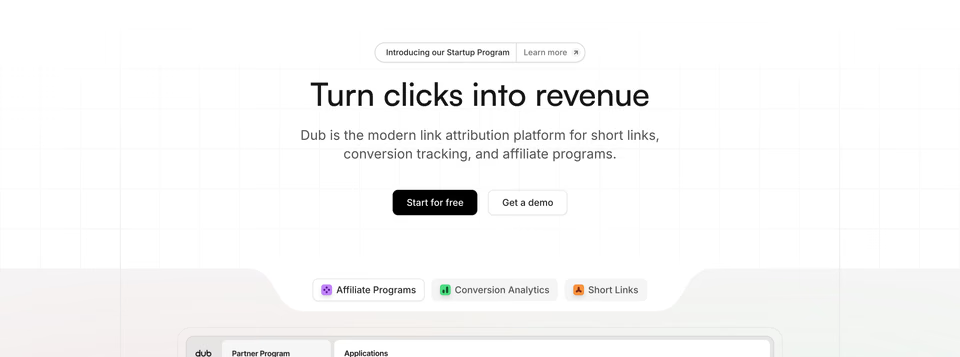
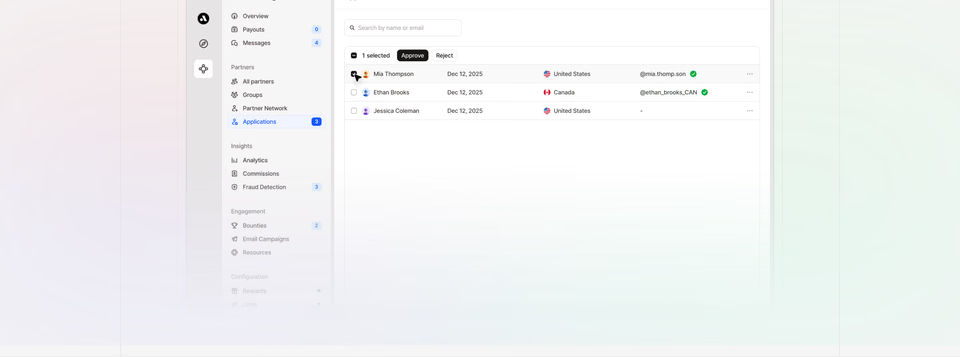
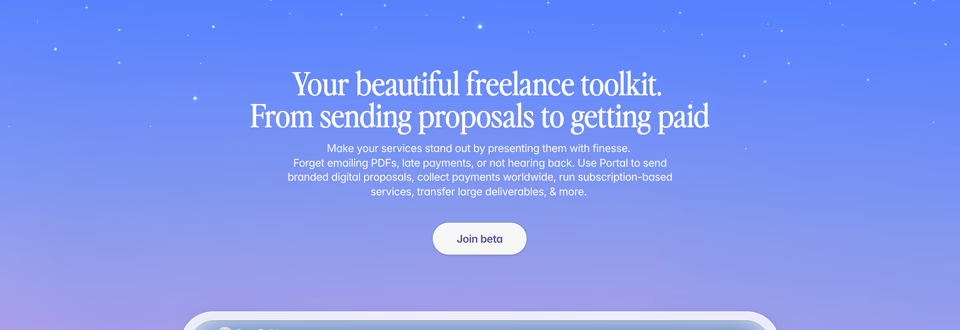
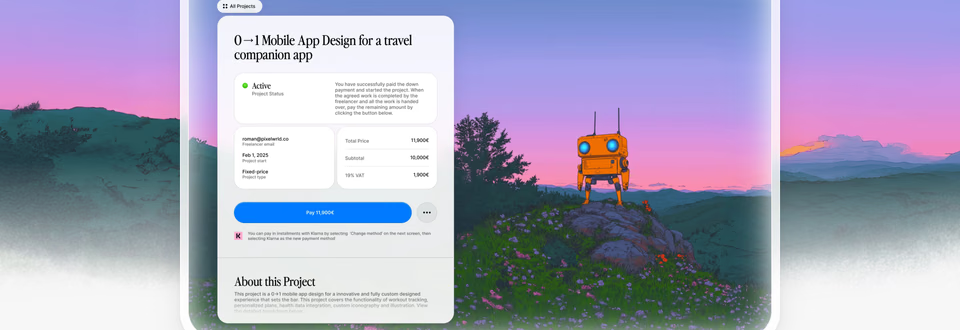
regards hero with soft gradients and fine film grain, calm and premium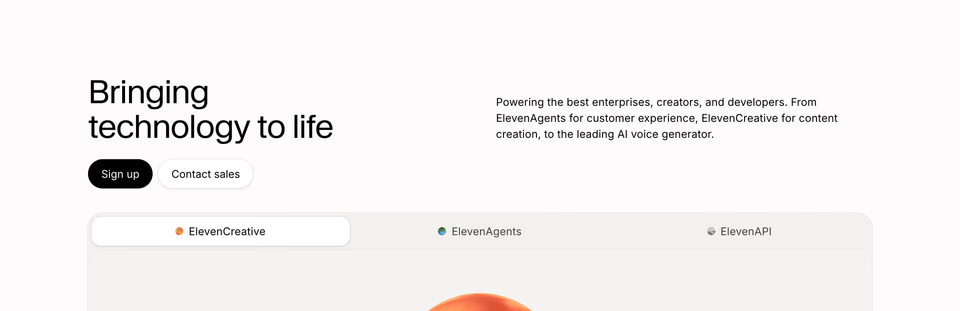
How do agents design with regards?
Mobbin and Refero make the same case on their MCP pages: an agent with no references guesses, and you can tell. But references only help if they are good ones. An agent that studies the average of what shipped designs the average.
Over MCP, your agent searches regards by look, sees each section’s screenshot and reads the whole page around it. Ask
it for a footer for your dev tool, dark, with a big wordmark, and not cheesy, and it comes back with footers like these:
regards footer for a developer tool, dark, big wordmark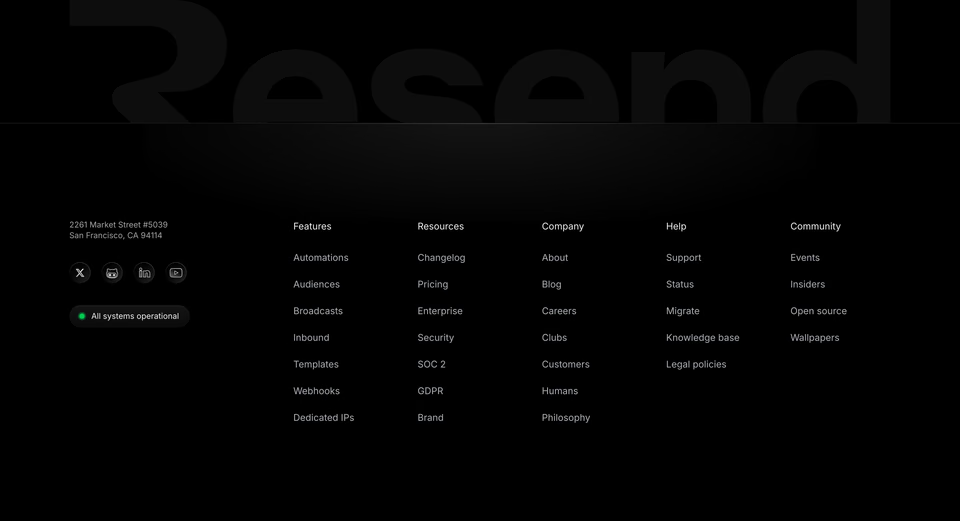
The wordmark is cropped along the top, so it reads as texture.
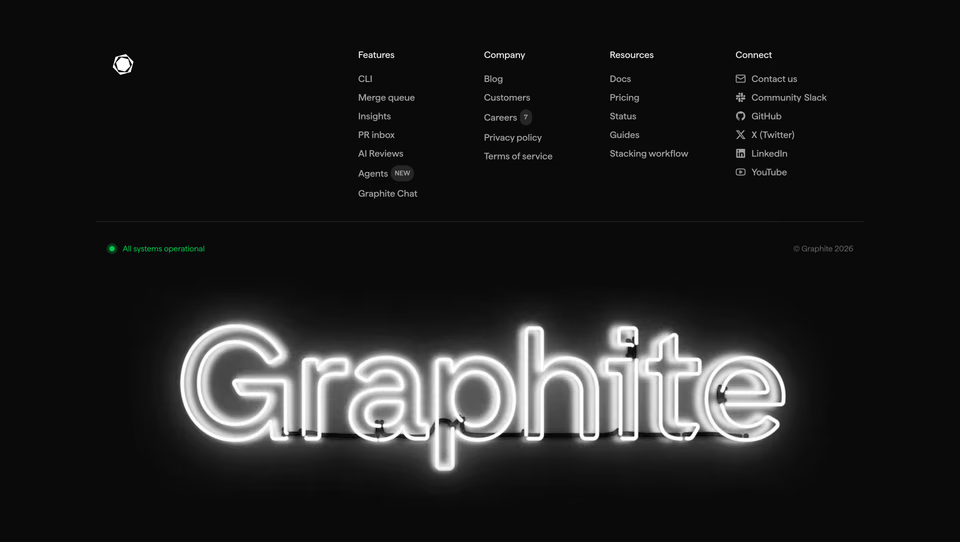
A neon sign under four quiet columns. Loud, but only once.
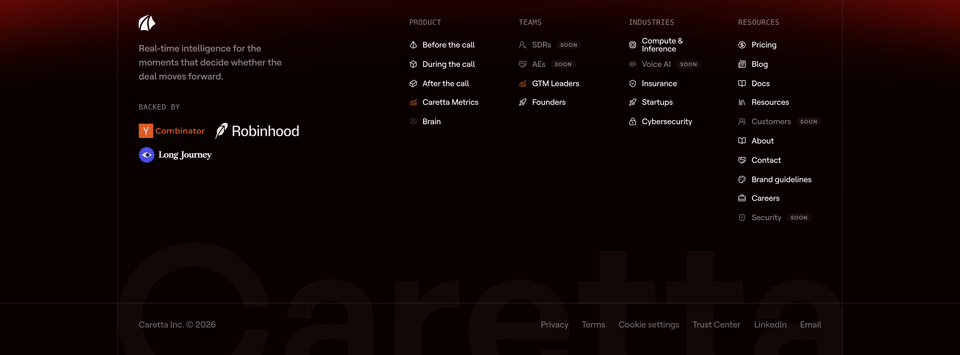
A ghosted wordmark behind the links, barely there.
Then it designs from them: one footer’s cropped wordmark at another’s low contrast, rather than the footer every template has. The design skill makes that a habit:
How does pricing work?
Mobbin costs less once you pay. Its Pro is $10 a month billed yearly ($120), or $15 a month billed quarterly; there is
no monthly plan. Team is $16 per member a month, billed yearly. regards Pro is $20 a month or $200
a year, and Studio $60 a month, for studios and agents that search all day.
The free plans are where they differ most. Mobbin Free shows its latest four apps and four sites, without search. regards Free searches the whole library: 10 searches a day, 5 Deep searches
a month, and the first 60 results of each. Every plan is on the pricing page.
Where is Mobbin better?
- Apps and flows. Over 620,000 screens and 153,400 flows across iOS and web apps, with each app’s
history kept since 2018. regards has no apps and no flows.
- Coverage. About 13 new apps a week, and more websites too: Mobbin’s Features tag alone holds 3,637 website sections. When you need every version of a pattern, more is better.
- Motion. Many of Mobbin’s website sections are short video clips, so you see a hero move. regards shows sections as screenshots, with a link to the live page to see the rest.
- Saving and teams. Collections, shared collections and comments, a Copy to Figma plugin, and a REST
API on Team and Enterprise. regards has none of these yet.
- Price. $120 a year for Pro against regards’ $200.
Where is regards better?
- Searching by look. Describe a look and get the sections that carry it. Mobbin’s sites carry style
tags (Minimal, Editorial, Dark, Glass and more), and its own API guide asks for concrete queries and steers away from style words like “modern” or “clean”. regards is made for those
words.
- Deep search for sections. Mobbin’s Deep Search reads what you mean, and is documented for screens
and flows. regards’ Deep search looks at the top 60 sections themselves and puts the best first, so the order
follows what you see.
- Agents that design from it. Section by section, by look, with the design skill to research every brief first.
- A free plan you can work with. The whole library, searchable, with similar sections under each one. See the styles, from dark to minimalist, without an account.
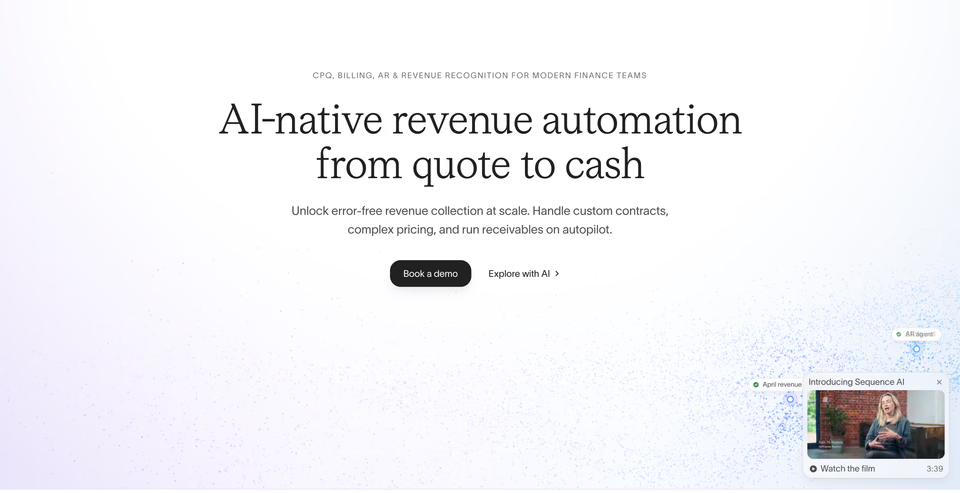
A search can also be the words on a page. Put them in quotes and regards finds the sections that show them:
regards “Book a demo”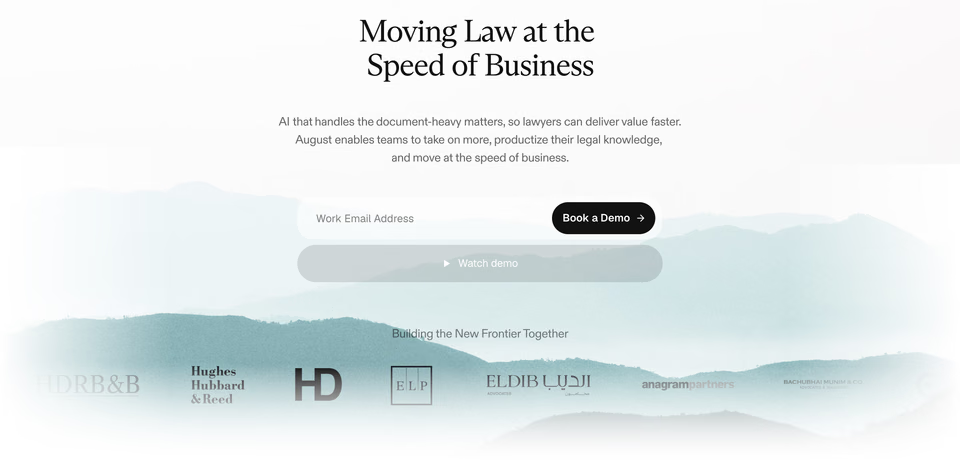


What doesn’t regards do?
It’s smaller, on purpose: 360+ sites is a fraction of what Mobbin holds, and it grows only as fast as sites worth
adding turn up. It has no apps, no flows and no video. There are no collections or teams yet, so saving and sharing
happen somewhere else. And on both, your agents need a paid plan: regards’ MCP comes with Pro and Studio.
Which should you pick?
- You design apps. Mobbin. Screens, flows and app history are what it’s for, and regards doesn’t cover apps.
- You design websites. regards. Find the hero, the pricing table, the footer by how they look,
open the page they sit in, then the live site. Mobbin Sites is worth a look alongside it.
- Your agent designs pages. regards, with the design skill, so it starts from
sections worth designing from. Mobbin’s MCP is the one for app screens and flows.
- You’re on a budget. regards Free searches everything; Mobbin is cheaper once you pay.
Try them side by side
Both are free to start. Search regards for the section you’re making, then run the same brief
on Mobbin, and keep the one you reach for. If you work on apps and websites, you may keep both. We also compared regards with Refero.
Sources, checked 15 October 2026: Mobbin’s home page, pricing, Introducing Mobbin Sites, website sections, AI credits, MCP and Mobbin vs Refero, and Refero’s MCP page.
FAQ
Is regards a Mobbin alternative?
For websites, yes: regards holds only website sections, from heroes to footers, searchable by how they look. For app screens and user flows it isn’t, because regards doesn’t cover apps.
Why does regards have fewer sections than Mobbin?
On purpose. Every site is picked for how it looks and every section is read for its look, so a search brings back distinctive work rather than every version of a pattern. That is what makes searching by look work, for you and for agents that design from what they find.
Does Mobbin have websites?
Yes. Mobbin Sites, added in August 2025, collects marketing sites with filters for kind of section, style and category. Most of Mobbin is still app design: over 620,000 screens and 153,400 flows from iOS and web apps.
Which is cheaper, regards or Mobbin?
Mobbin, once you pay: Pro is $10 a month billed yearly, or $15 a month billed quarterly. regards Pro is $20 a month or $200 a year. On free plans it turns around: regards Free searches the whole library, while Mobbin Free shows its latest four apps and four sites, without search.
Can you search Mobbin by look?
In part. Mobbin’s sites carry style tags such as Minimal, Editorial and Dark, and its search reads plain words. regards reads every section for its layout, type, colour and imagery, so you can describe a look, like soft gradients with fine grain, and get the sections that carry it.
Do regards and Mobbin work with AI agents?
Both run an MCP server that Claude, Cursor, Codex and other agents sign in to. Mobbin’s comes with Pro, Team and Enterprise and searches screens, flows and sections. regards’ comes with Pro and Studio and searches website sections by look, then reads whole pages.
Should I use both?
They overlap little, so many teams could: Mobbin for app screens and flows, regards for the sections of a website. Both have free plans to try them side by side.