Our landing page’s credits: three sections and the real sites behind them
Three parts of our landing page: the real sites each one learned from, the rough concepts we tried, what Filip picked and pushed back on, and where the hand work starts. Plus the workflow, to do the same.
The short answer
Let an agent do the legwork, not the design. Pick a single frame, say what job it does, and have your agent search  regards for how real sites do that job and lay out two or three rough concepts that credit their references. Then the work is yours: judge, choose, and go deeper by hand in Figma, through type, spacing, rhythm and motion. That’s how we reworked three parts of our landing page. Better inspiration, not more of it.
Films end with credits: everyone whose work is in what you just watched. Websites rarely do, though most of them
learned from somewhere. On 27 October we reworked three parts of the regards landing page, so here are its
credits: what changed, the concepts we tried on the way, and the real sites each part learned from.
None of this replaces the design work. Claude and regards took the legwork out of round one: finding how real
sites had solved the same problem, and laying out rough concepts beside our frame in minutes. That left more of
Filip’s time for the part that’s his: judging, choosing, and going deeper by hand in Figma. The concepts below are
starting points, not the design.
“It was a super fun and easy way to iterate visually, and to have concepts I can go even deeper on in Figma.”
It felt like sketching with good references on the table: a few real sections, found for the frame in front of us. Better inspiration, not more of it.
How do you polish UI with an AI agent?
Six steps. The agent takes the third and fourth, the legwork; the rest are yours.
- Pick the frame. One component, not a page: the Figma frame or the piece of code that feels flat.
- Name the job it does. “Lets you choose a style” is a job; a carousel is one answer to it. Naming the job is what opens up the other answers.
- Let the agent find how real sites do that job. A few short searches on regards, each for a
different pattern, and a look at what comes back.
- Get rough concepts, fast. Two or three, each crediting the sections it takes from and saying what was left out, and why. Sketches to react to, not designs.
- Judge and choose. Pick one, take the best parts of two, push back on what’s wrong, or ask for another round.
- Go deeper by hand. The concept you picked goes into Figma and gets worked by hand: the type, the spacing, the rhythm, the motion, and the details no search returns. This is where the design happens.
Here is how the first five went for each part, and where the sixth begins.
1. Or start from a style
The row that opens our style pages: seven styles, each a card of four screenshots, paged with arrows. It worked. It also looked like most carousels.
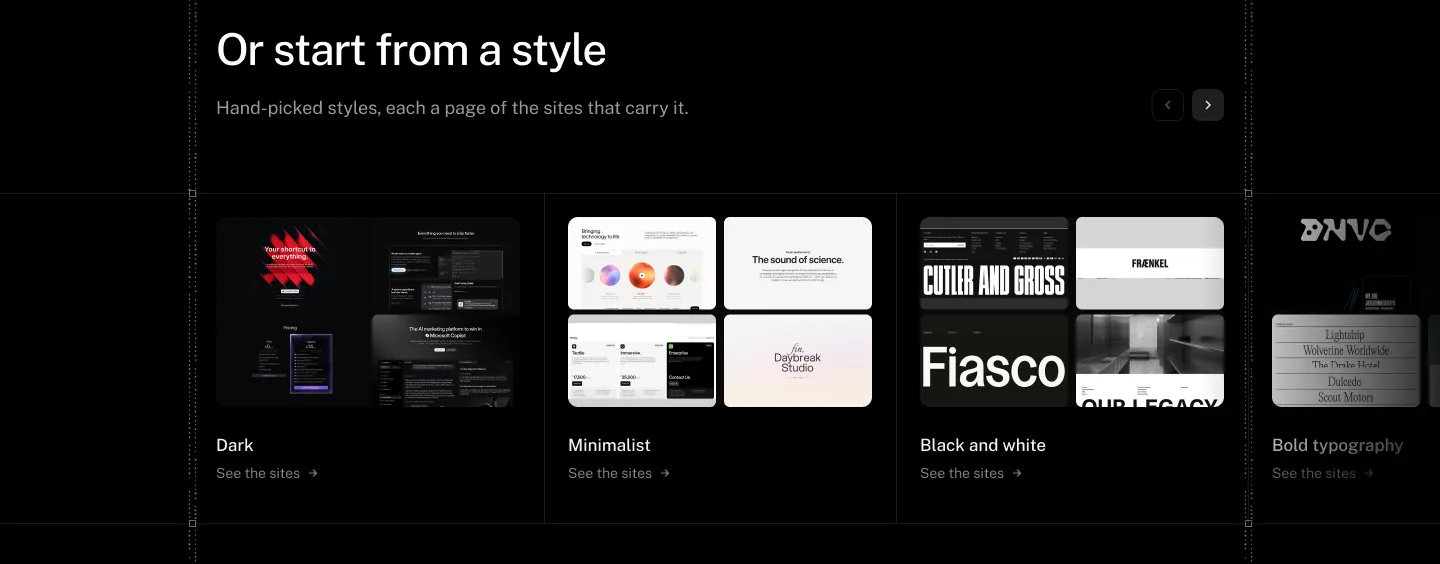
The brief Filip set was short: other ways to show this, from some design research, as two different variations.
Claude read the job as “pick one of seven styles and see what it looks like”, and ran six searches on regards,
one for each way that job might be done: tabs that switch a large preview, a horizontal accordion of image panels,
collections as stacks of cards, category names that reveal floating previews, a pill tab bar swapping a strip of
screenshots, and folder tabs. It opened a dozen of the sections that came back and returned two concepts, A and B.
Filip asked for two more, and C and D looked closer to home: C reused the silver switch from the page’s own search
demo, and D drew the chosen tab into the band’s hairline.
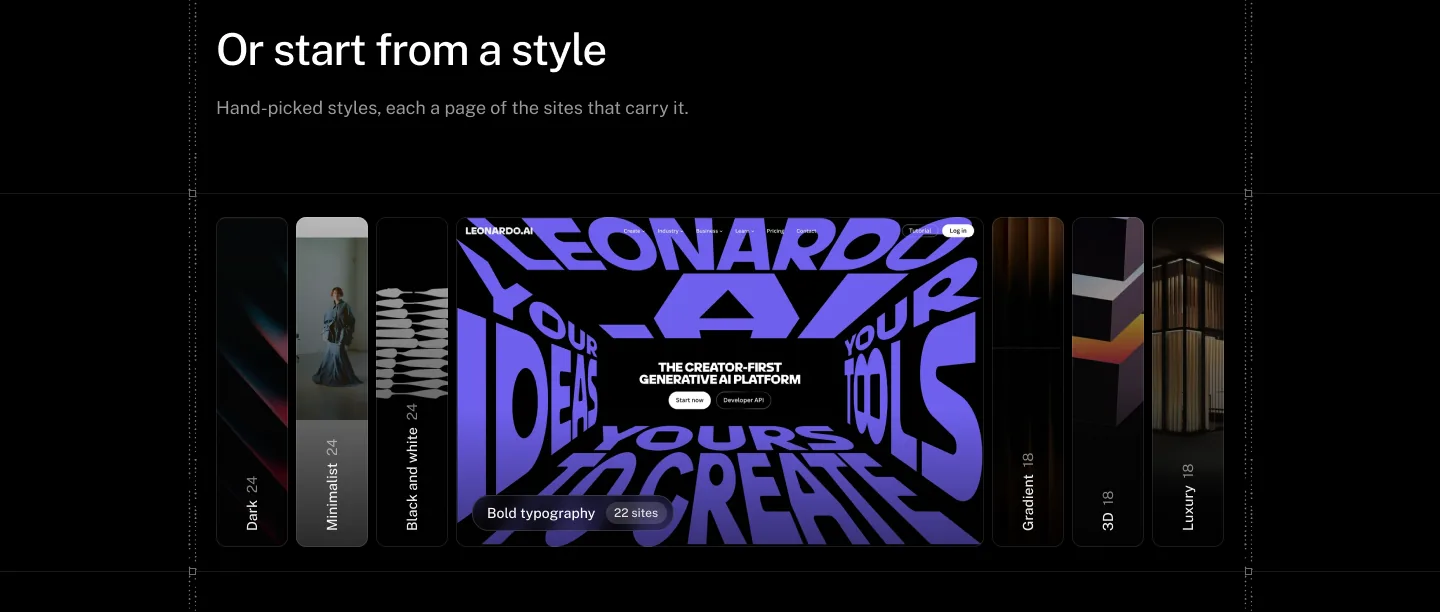
A, a shelf of spines
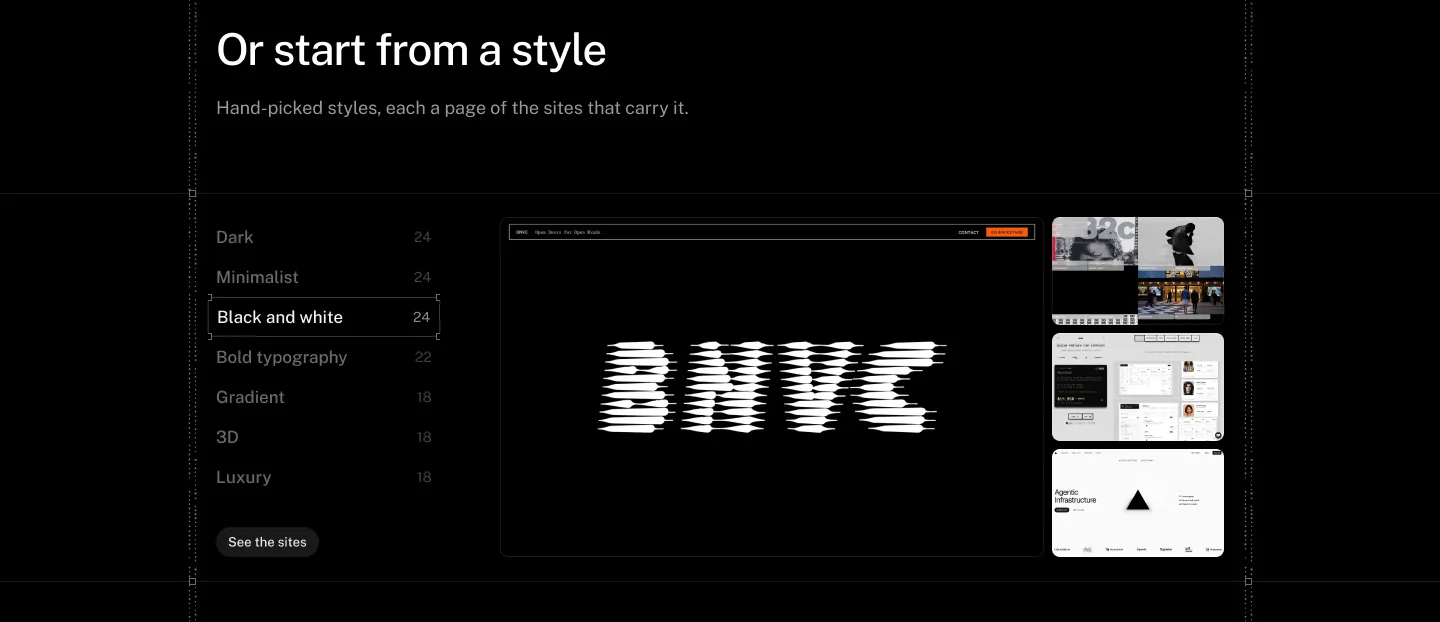
B, an index and a preview
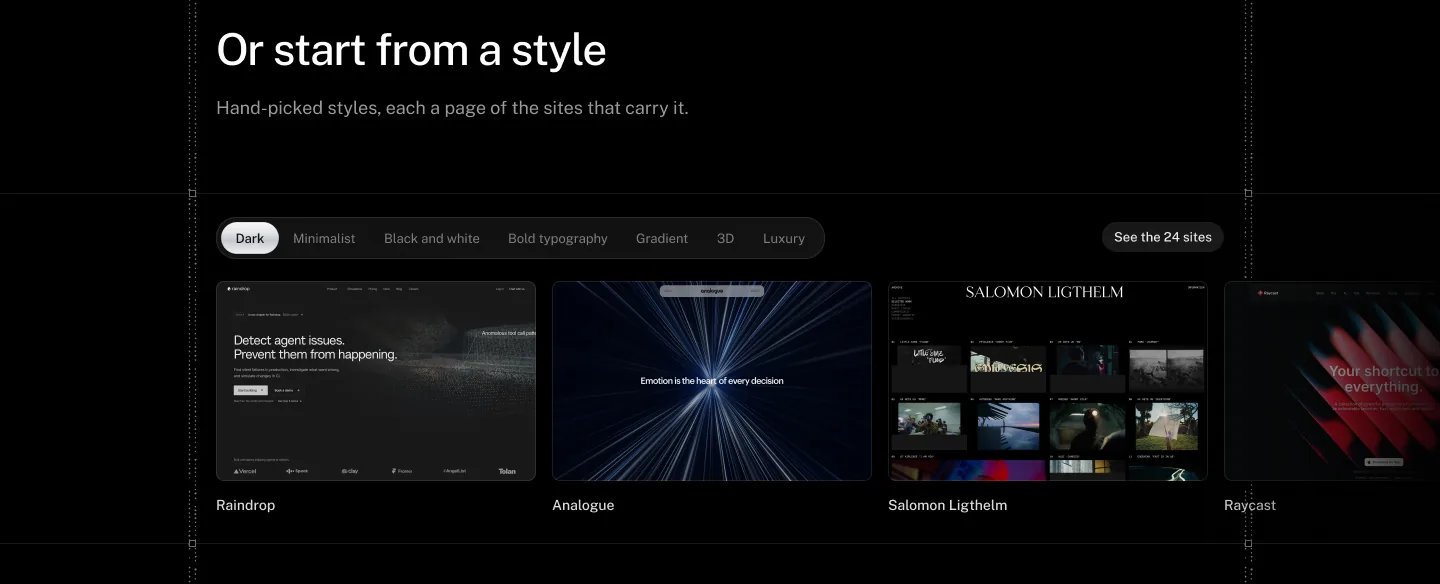
C, a switch over a strip
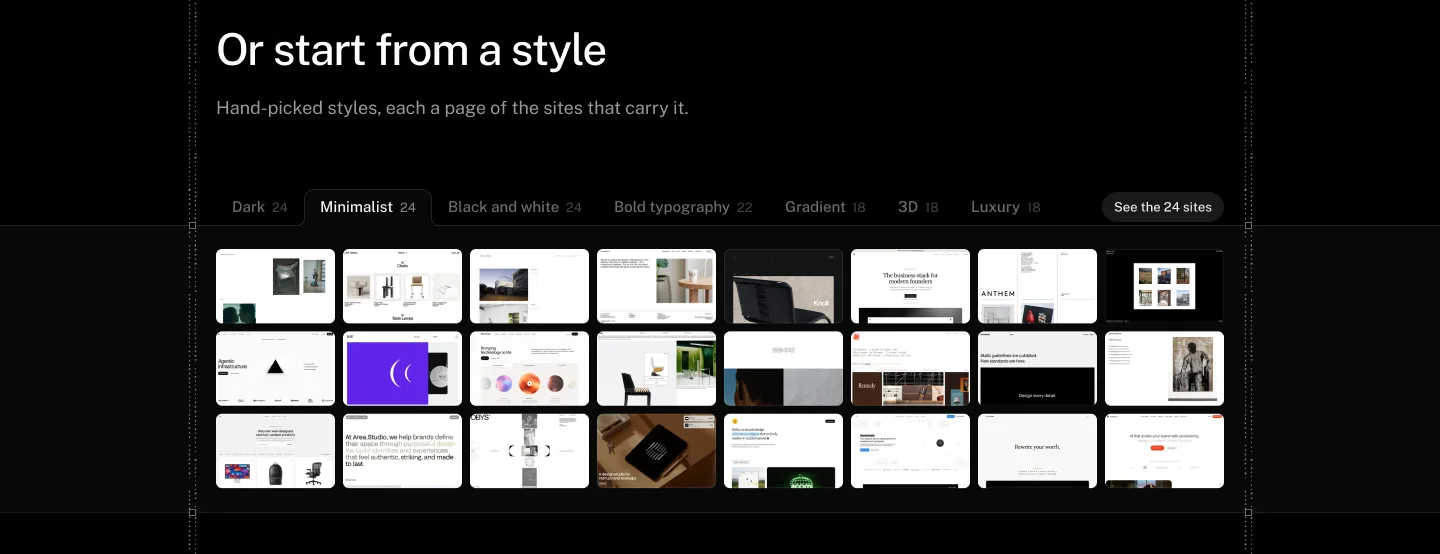
D, tabs in the hairline
Filip liked D’s tabs, drawn into the line the page already has, but not the large grid of small shots under them. He wanted C’s bigger cards, in a strip you scroll. So he combined the two:
“D is best, but instead of a large grid of small items, let’s use the tabs from D and the size of items and scrollability of C.”
Then one more push back: “See the 24 sites” looked like a button, and it’s a link, so it became plain text with an up-right arrow.
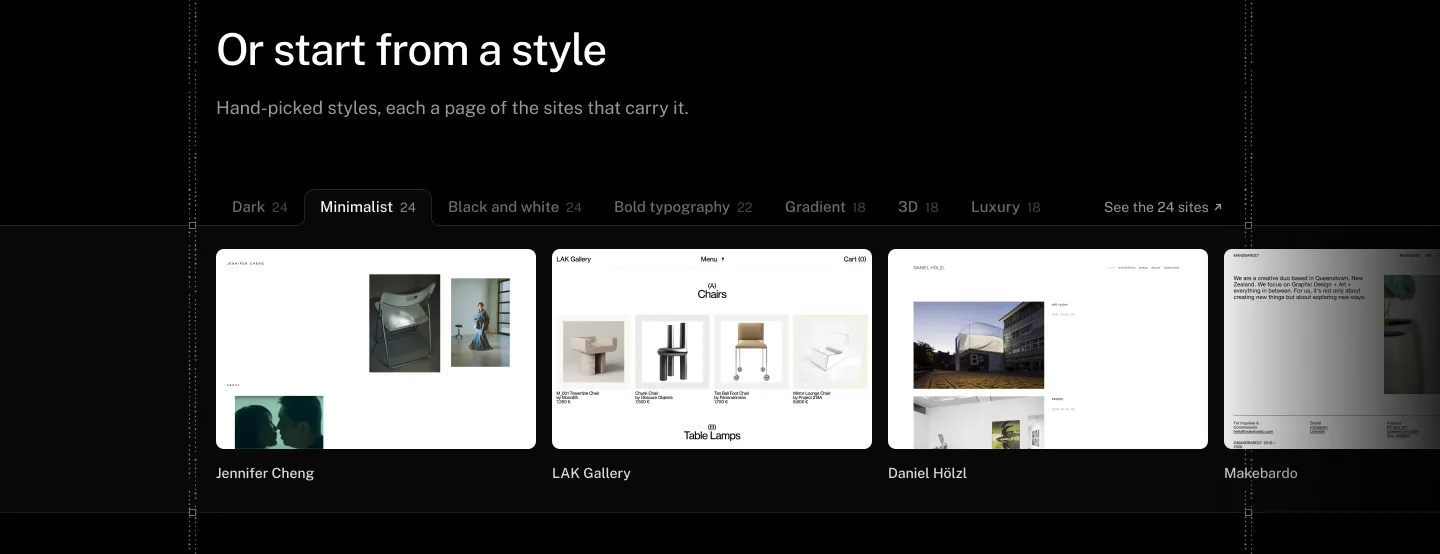
The chosen style is drawn into the band’s own hairline. Its sites run off the right edge at card size, under the fade, and “See the 24 sites” is plain text with an up-right arrow.
E is where the hand work starts. It has the structure; the tab’s curve, the spacing between the cards, how the strip moves when you change style and how the fade meets the rail are all still Filip’s to work out in Figma.
Credits
The final row is made of the page’s own parts, but round one learned from six sites:
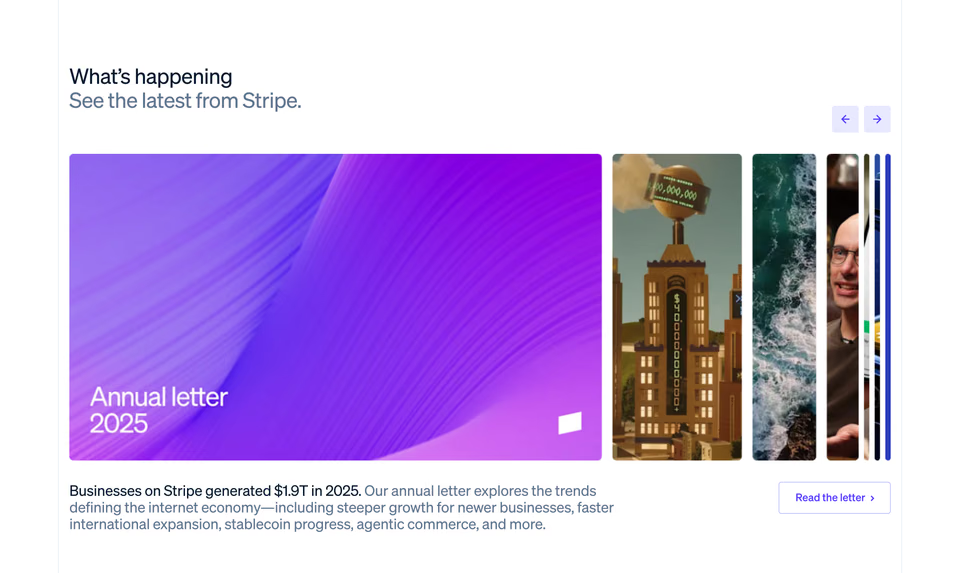
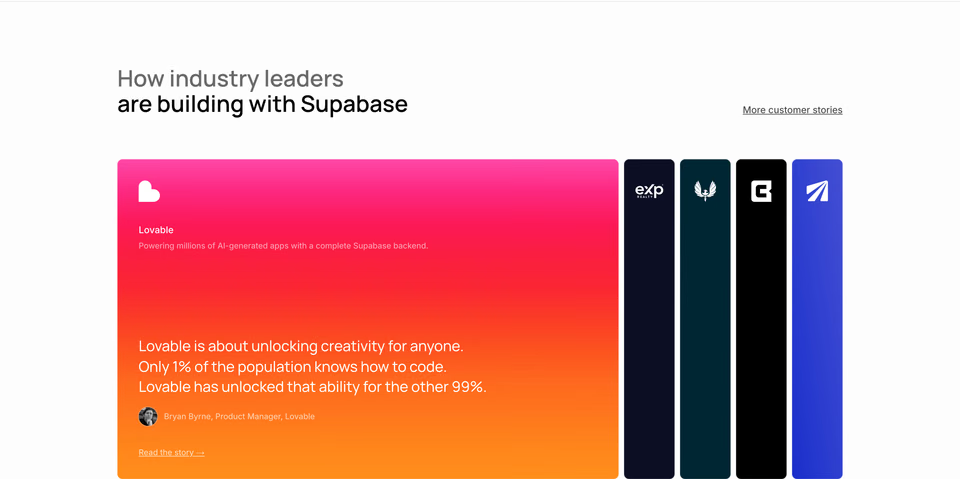
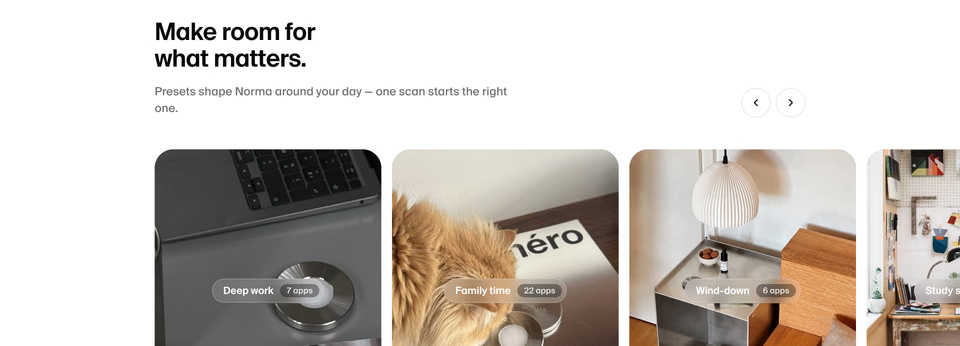
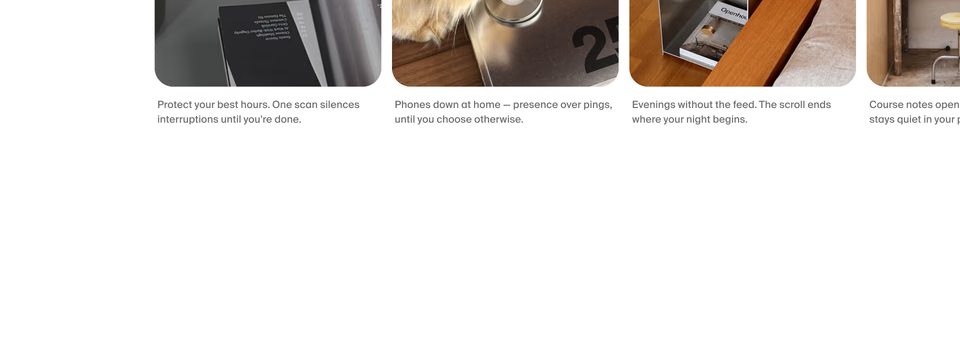
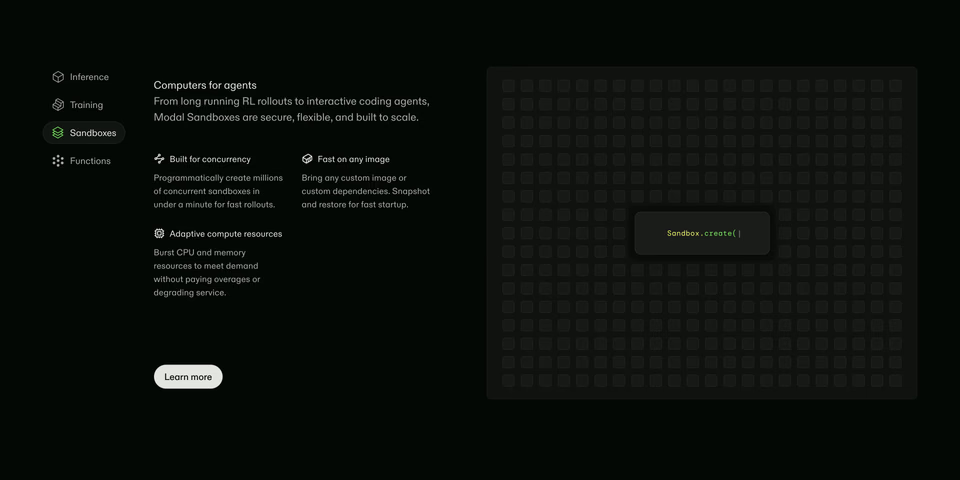
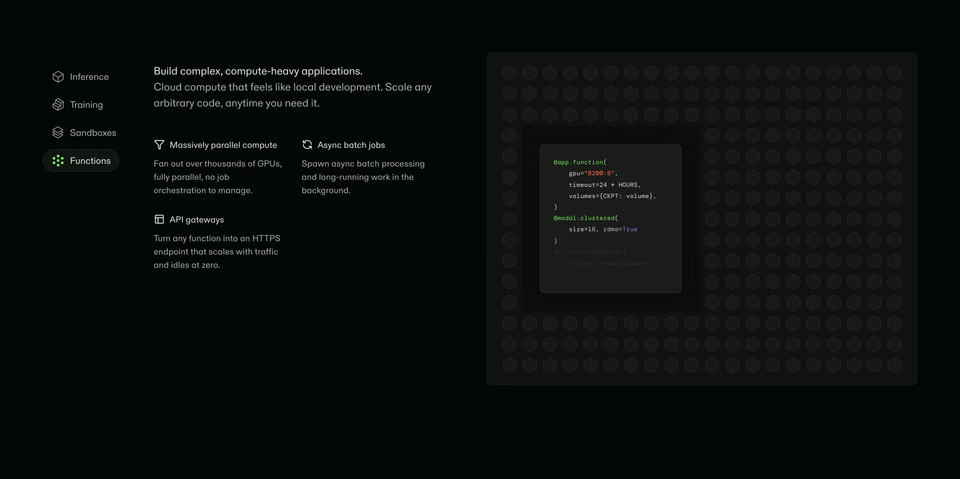
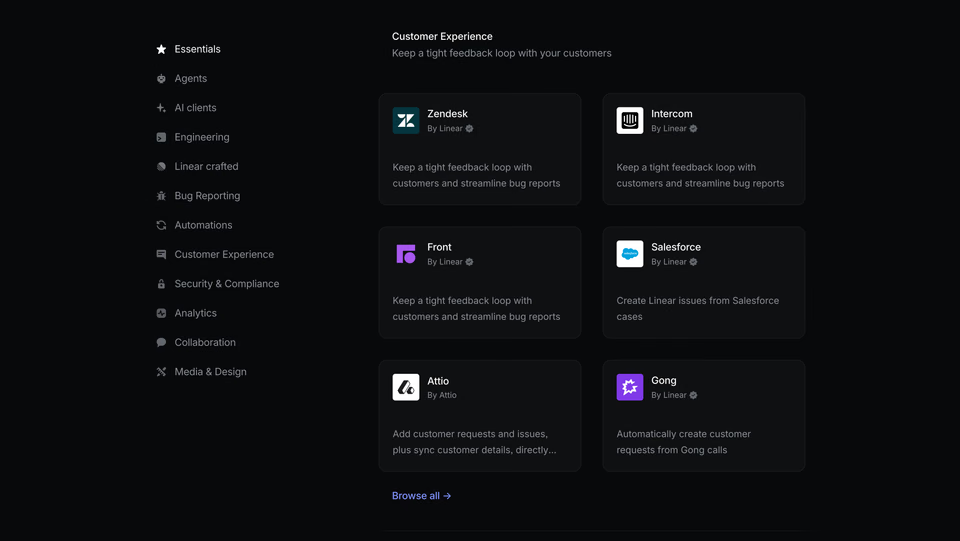
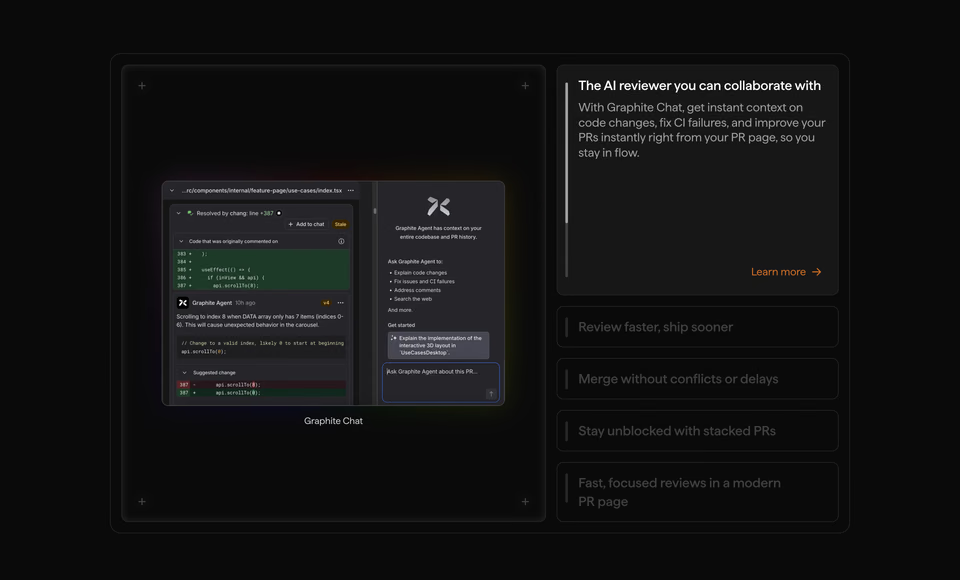
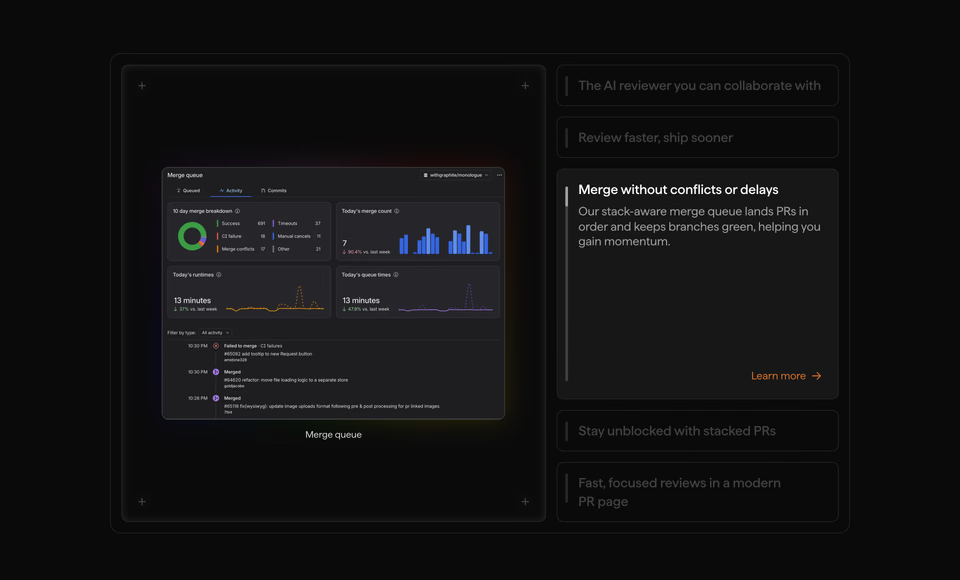
Left out, and why: Profound’s folder tabs, because the landing page already borrows a lot from Profound; Melius’s stacked deck, because another band on the page already stacks cards; and Raycast’s segmented pill, because seven style names are too long for one control.
2. Now in Claude and ChatGPT
regards can now be added to Claude and ChatGPT from their directories, and the landing page had to say so without
getting in the way of the search it exists to show. This was its top:
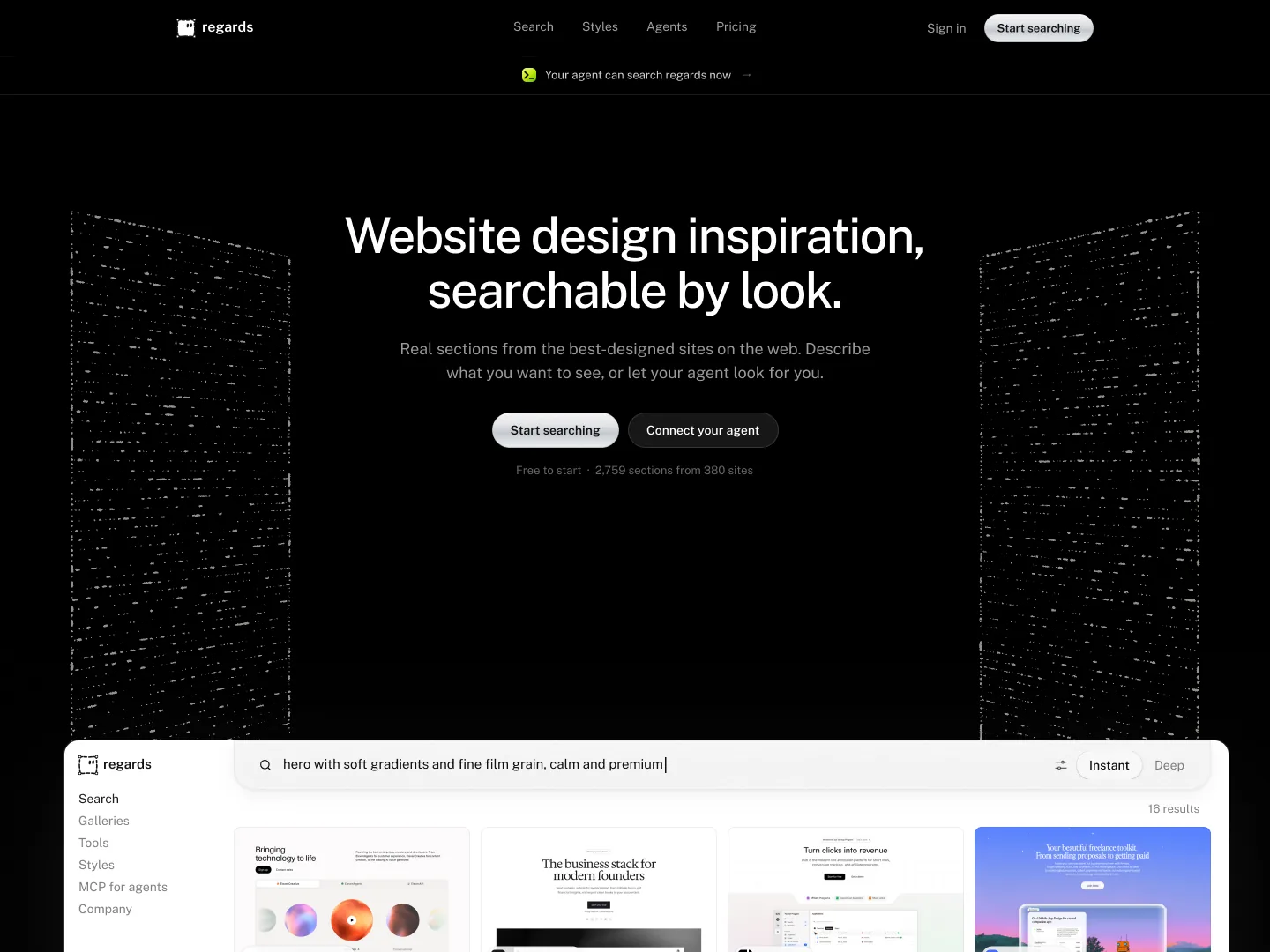
The brief: three ways to mention it on this page, from research on regards. Four searches: launch announcements of apps that now work inside ChatGPT and Claude, a small “New” badge above a
hero, products shown working inside an AI chat, and a text search for sections that show the word ChatGPT. The text
search is what paid off. TwelveLabs had said the same thing on its own hero: a frosted card in the corner,
announcing its agent, now available in Claude and ChatGPT. Search for the phrase and it comes back on its own:
regards CONTAINS: in Claude and ChatGPT 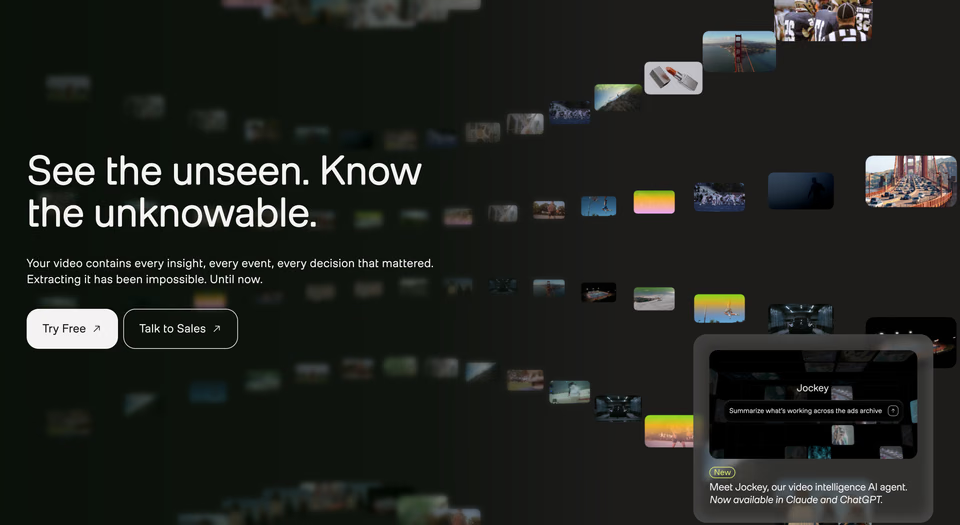
The news sits in a glass card in the hero’s corner, with a picture of the agent at work, and leaves the headline alone.
Three concepts came back, from quietest to loudest:
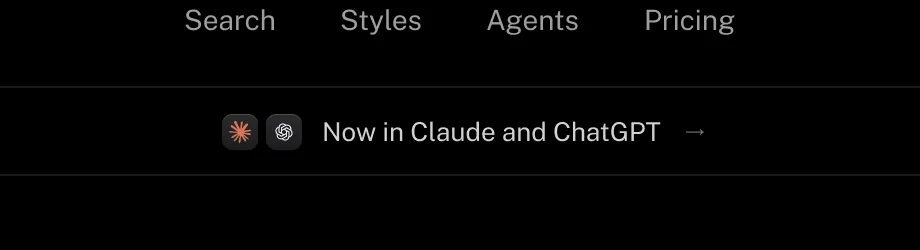
A, a line under the nav
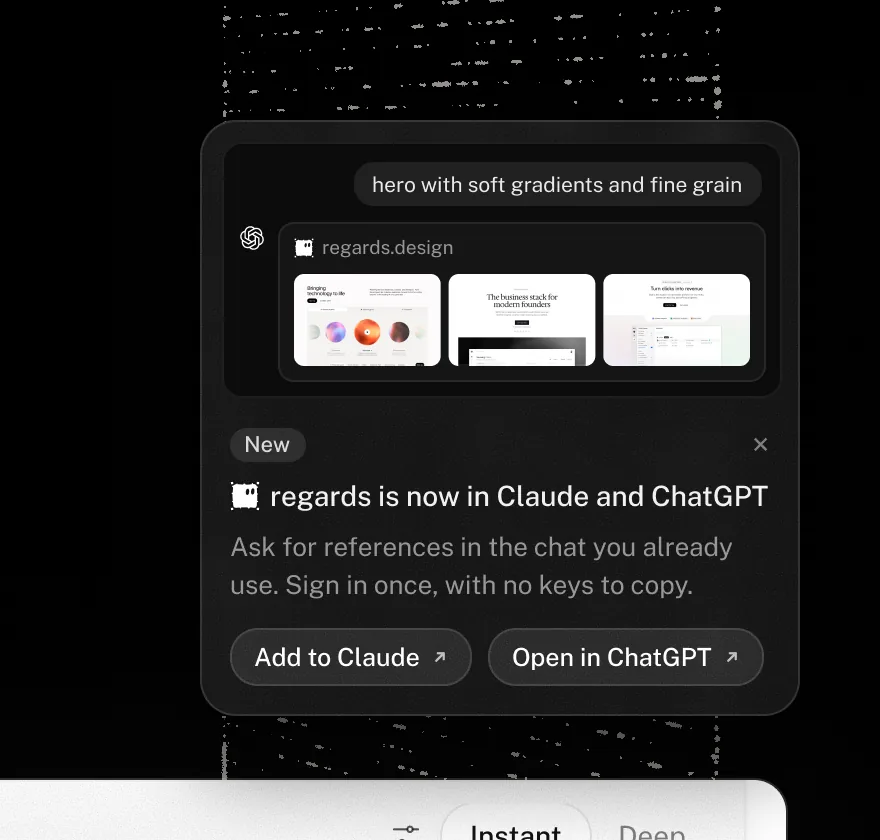
B, a glass card in the corner
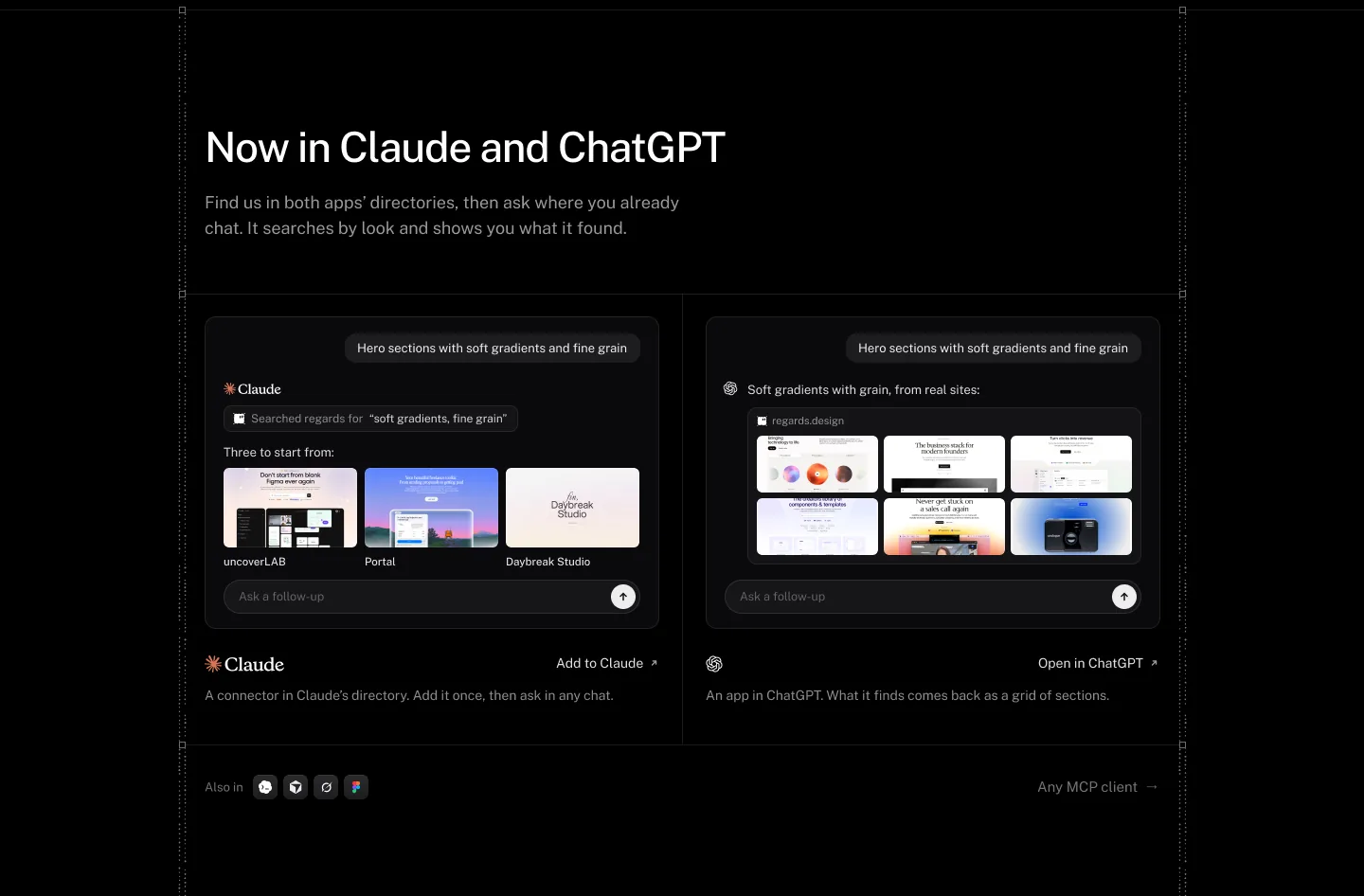
C, a section of its own Picked
Filip chose the loudest of the three, a section of its own, but not at the top of the page:
“Let’s ship C, but lower. I don’t want that to be the first thing.”
He also checked where its links went: every link to Claude or ChatGPT should open that app’s directory listing, not our own agents page. So C moves further down, after the example searches, with a link into each app’s directory under its chat. Like E, it’s a starting point: the chats, the marks and the rhythm of the two cells are where the hand work goes next.
Credits
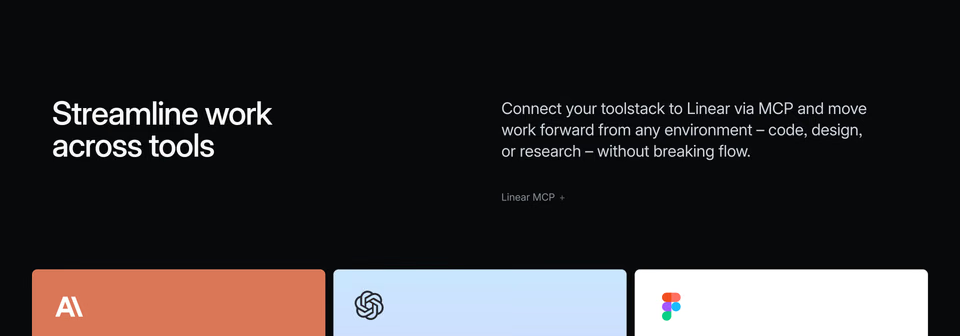
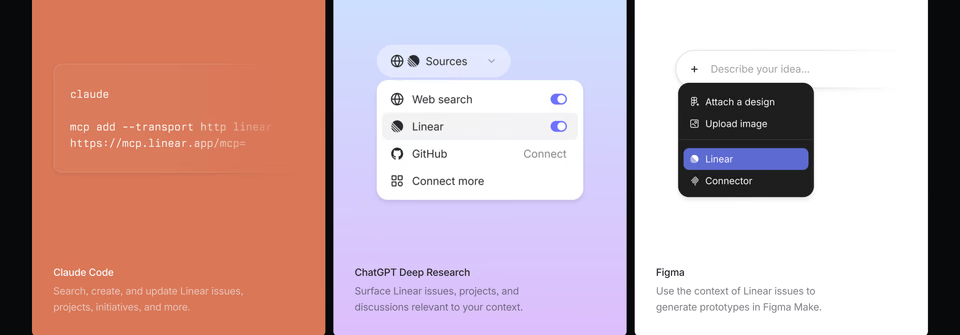
One card per app, each with a piece of its interface: Linear’s MCP in Claude Code, ChatGPT and Figma. C’s cell per app, kept in black and white.
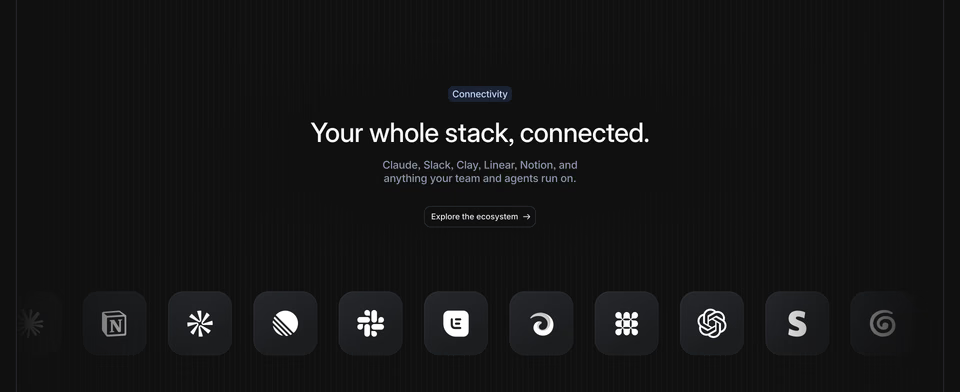
Apps as a row of dark, rounded tiles under a short headline: C’s “Also in” row.
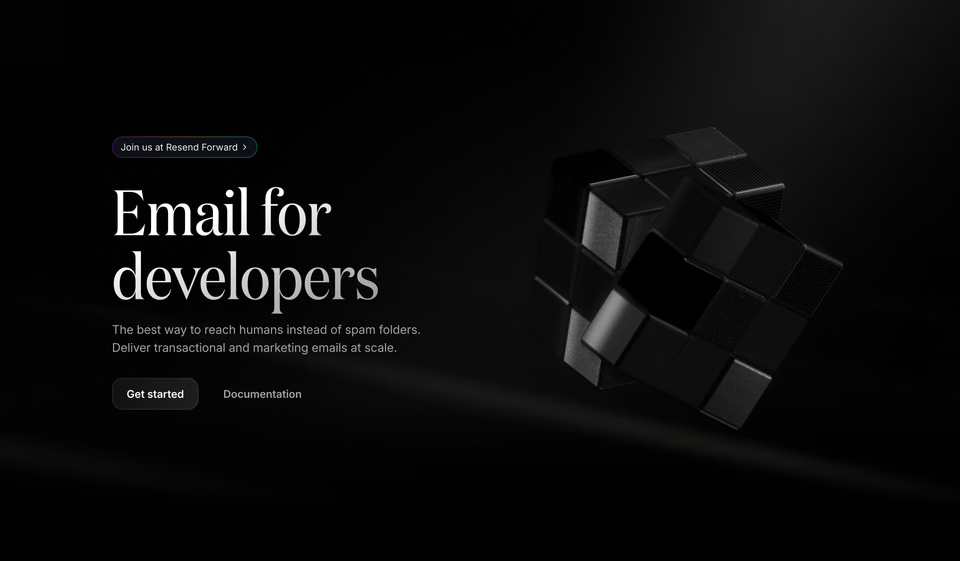

A small pill of news above the headline, the quietest way to say it: A’s volume, set under the nav.
Also studied: Spiral’s “Always agent native”, a whole section that says it plainly; Shadow’s app icons set inside its headline; and pen.dev’s row of tiles, one per model.
3. Boards
Boards are new: you save sections to one as you search, share it with a link, and your agent can make one from its searches. The landing page didn’t show any of it yet.
The brief: three mocks for a landing page frame that shows Boards well. This round didn’t search outside. The mocks reused what the page and the app already had: the agent window from the section above, and the app’s own save picker. Sometimes the best reference is already on your page.
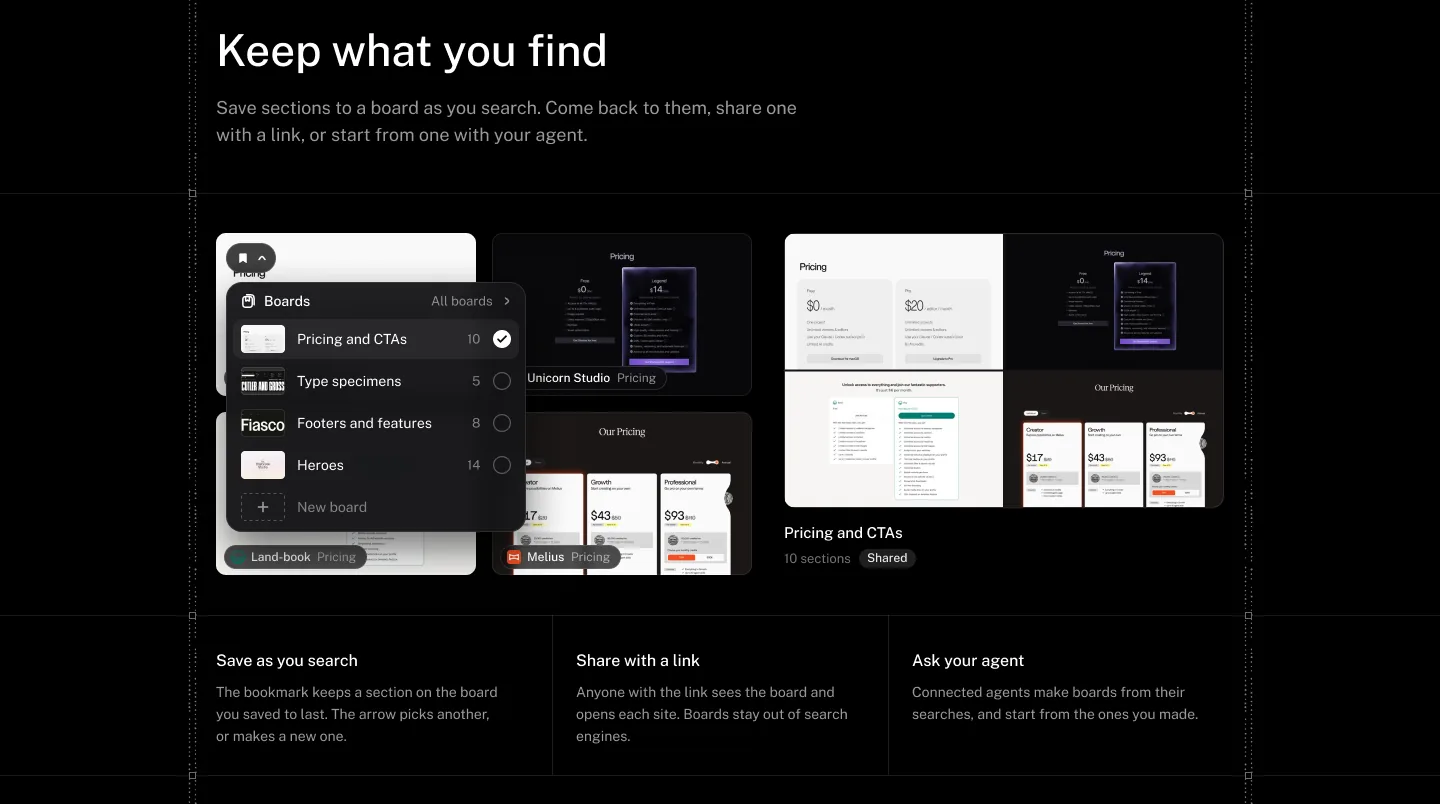
A, keep what you find
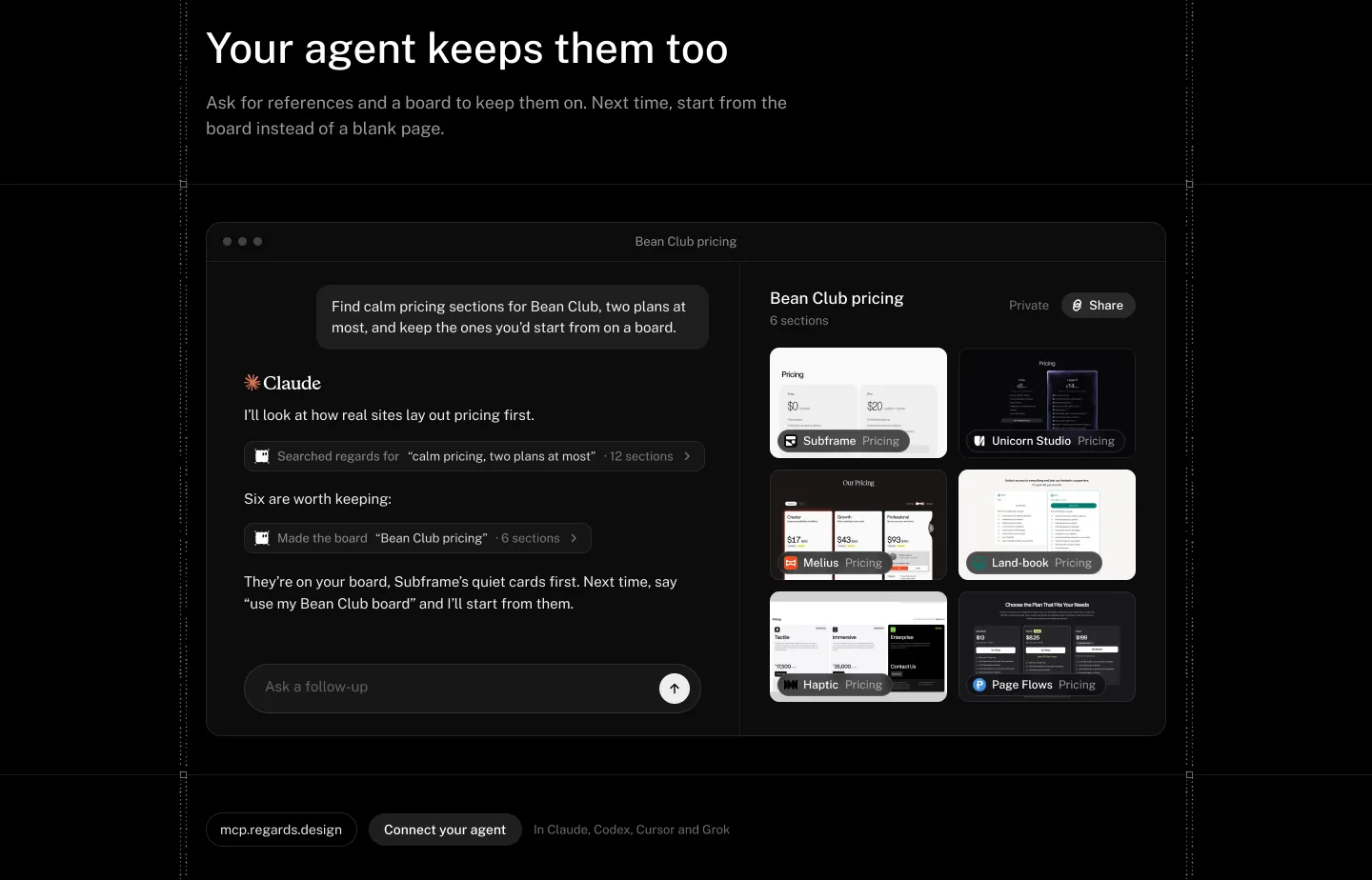
B, your agent keeps them too
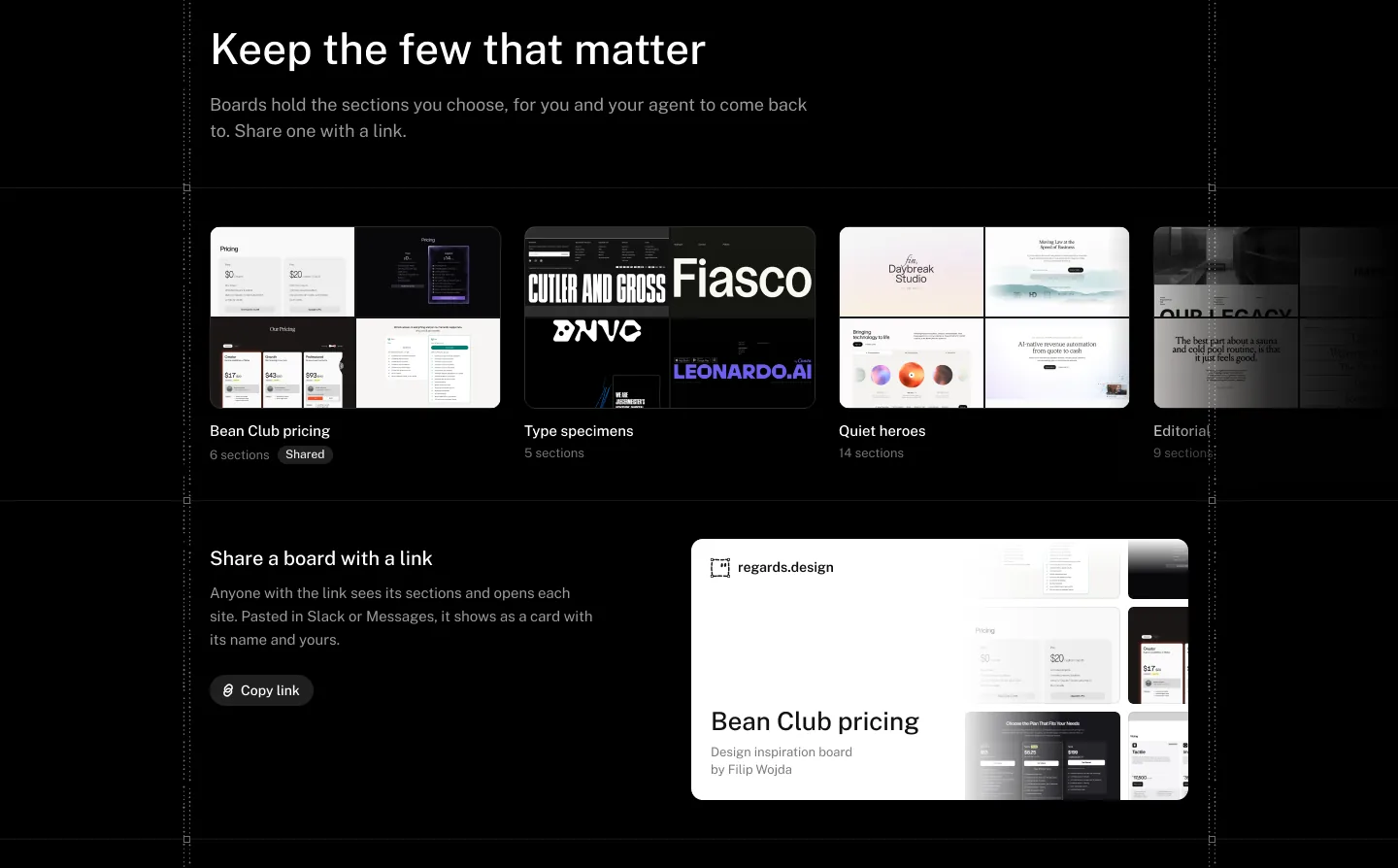
C, keep the few that matter
Filip liked B best, but wanted it to show the ask itself: that you can ask Claude to make a board from your searches.
“I love B more, but can we somehow make it show that you can ask Claude to make a board from the searches? So maybe make a C.”
So B stayed as it was and B2 went beside it, with the conversation changed: Claude searches, then you ask it to make a board from what it found, and it does. B2 goes forward, and the same as E and C, it’s where the hand work starts: the pace of the conversation, how the board fills in, the type in the chat.
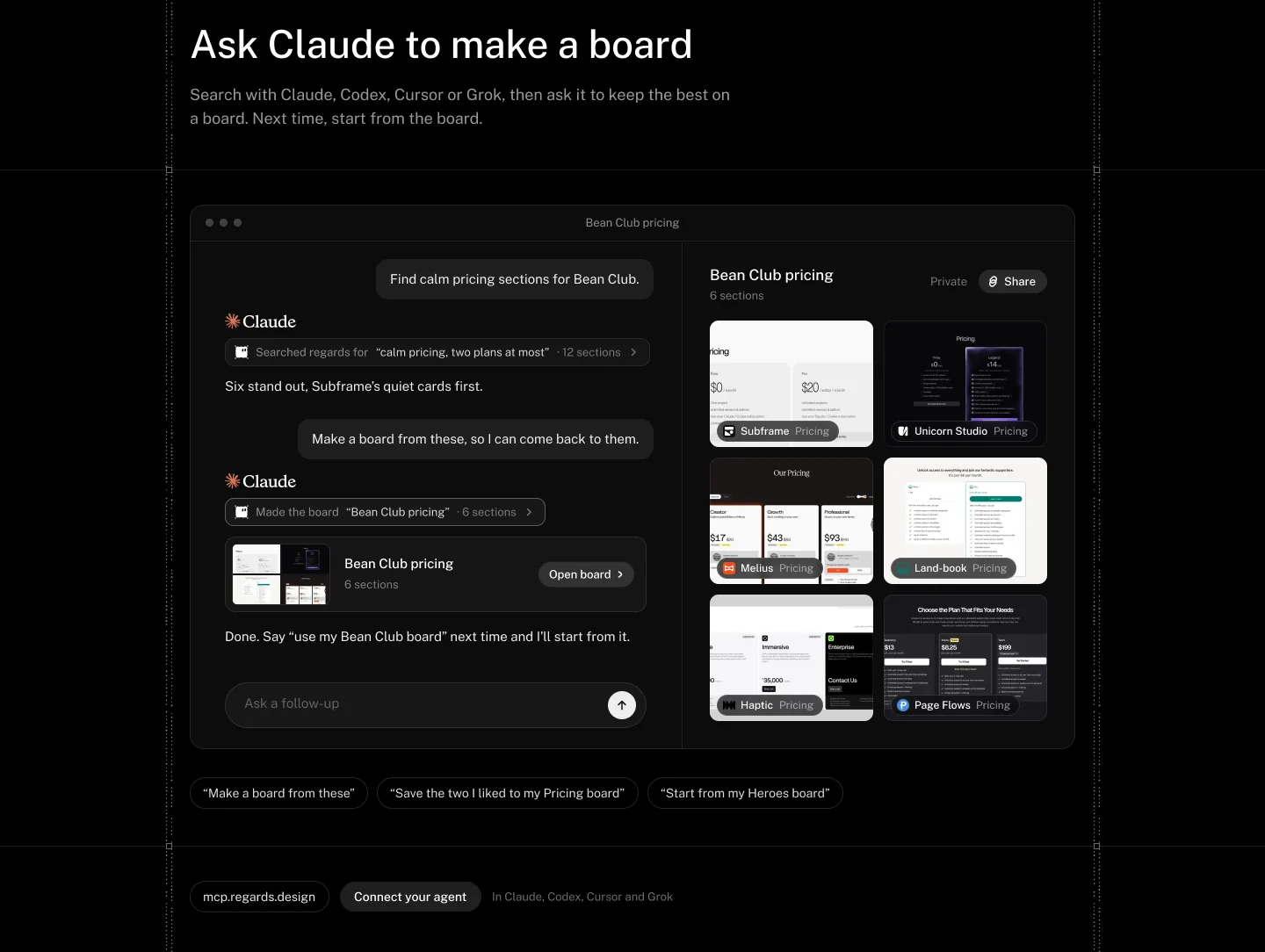
Two turns: a search, then “Make a board from these, so I can come back to them.” Under the window, three things you can ask: make a board, save to one, start from one.
Credits
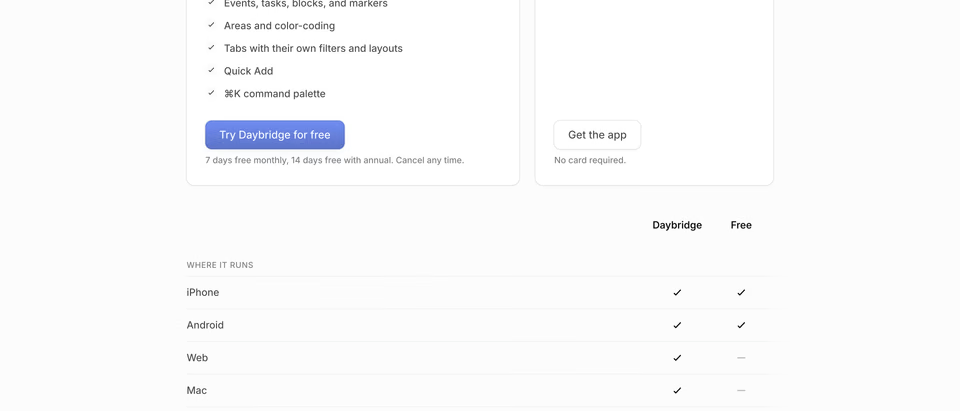
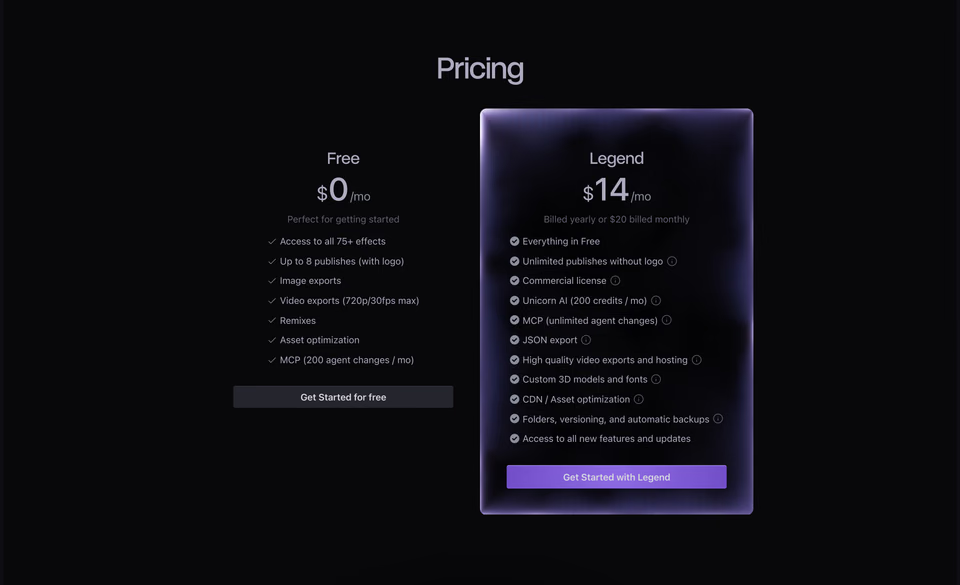
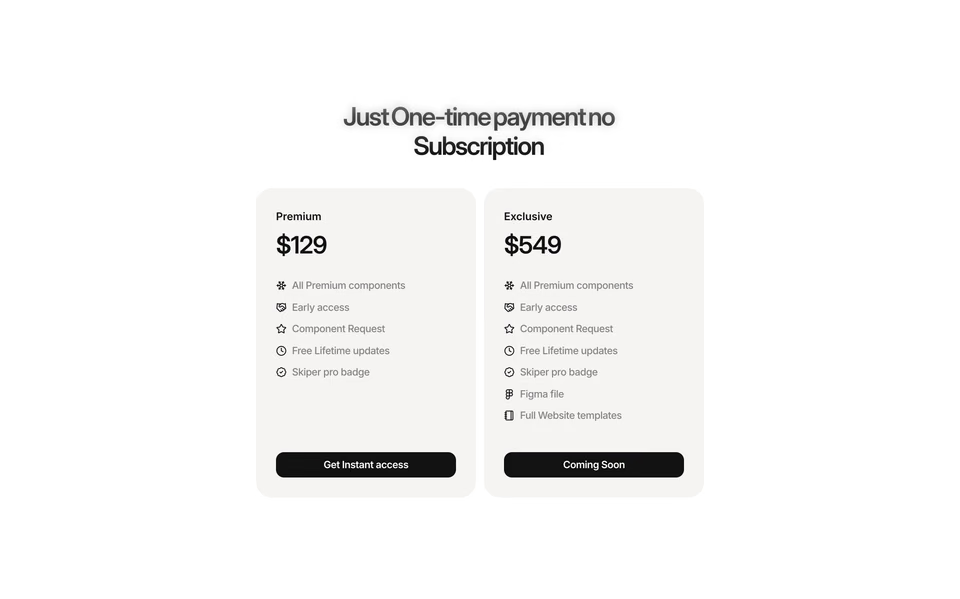
In the coded section, the board isn’t filled with stand-ins. Claude ran the search the chat shows, looked at what came back, and the board holds six of them:
regards calm pricing, two plans at most 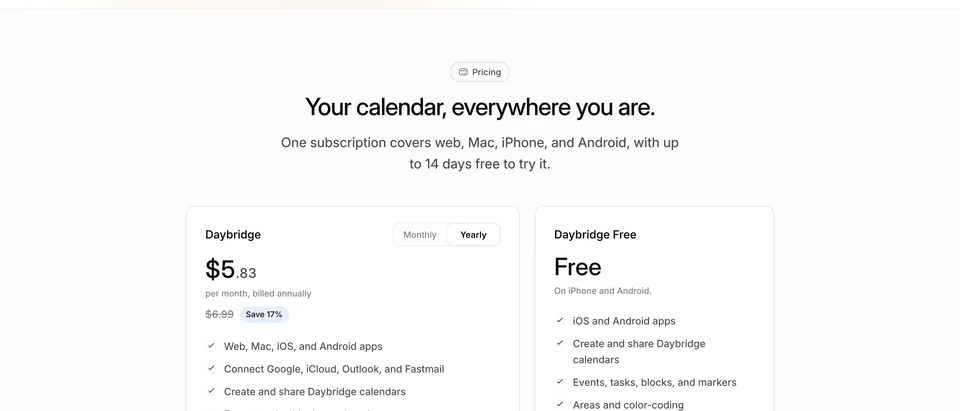
Two plans in quiet white cards, a paid one and a free one, with a small monthly and yearly switch.
The paid plan in a panel lit from inside like glass, the free one floating beside it.
Two equal soft cards, each a price, a short list and one button pinned to the bottom.
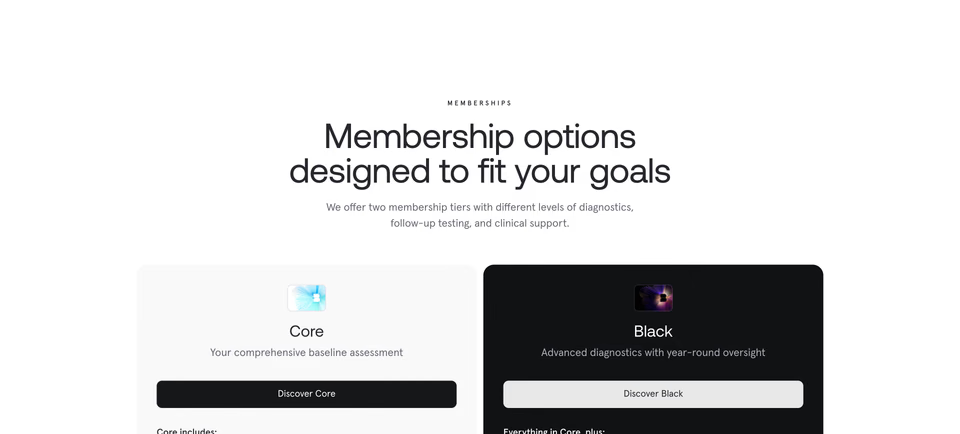
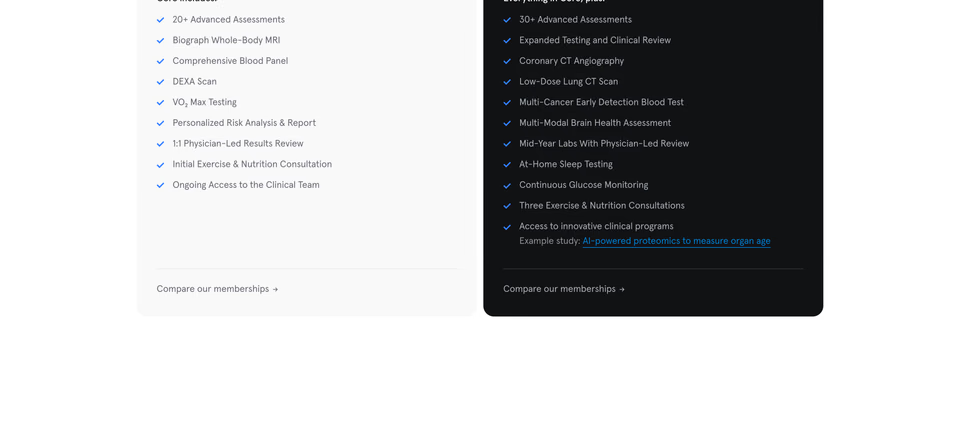
A pale card beside an inverted black one, each topped by a tiny picture of the membership card.
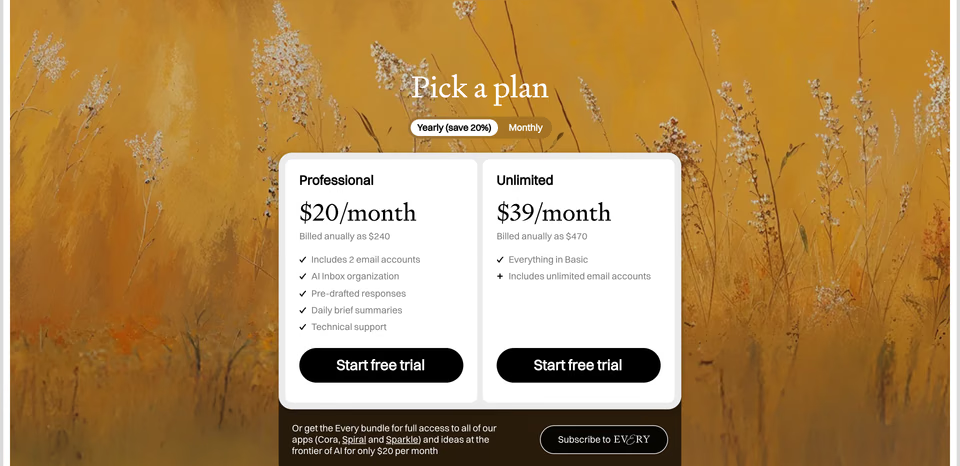
Two white cards in one rounded tray over an oil painting of wild grasses.
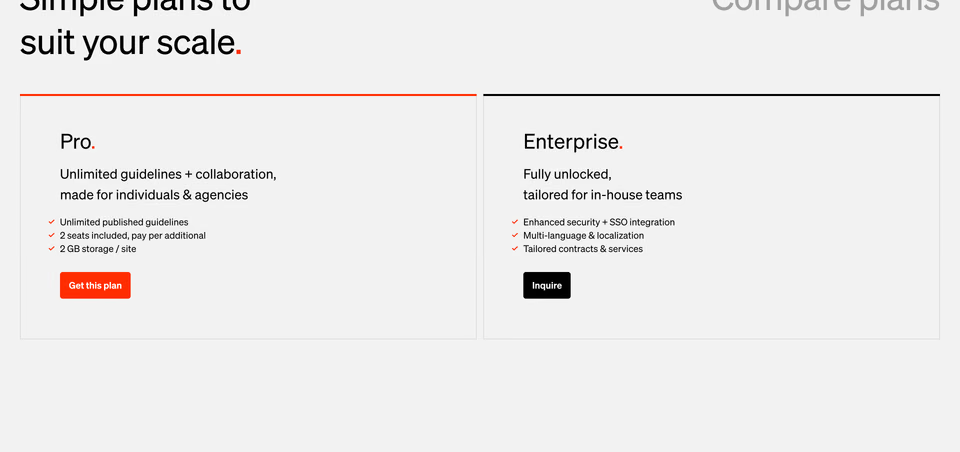
Two outlined cards, a thick bar on top of each saying which one is the main plan.
The credits
Every site that gave our landing page something on 27 October, by what it gave:
Or start from a style
- The frosted label
- Norma
Now in Claude and ChatGPT
- The corner card
- TwelveLabs
- One cell per app
- Linear
- The app tiles
- Attio
- The small badge
- Resend
Starting points, not the design
Every concept above took minutes, and none of them is the design. They’re what a first round of sketches always was, with real references on the table this time: enough to react to, push back on and choose from. What made them good was the judging, and what will make the sections good is the hand work that comes next: the type, the spacing, the rhythm, the motion, and the small decisions no search returns.
See it live
All three are on our landing page now: the style row and Boards as designed, and Claude and ChatGPT smaller than C. It became one part of the page’s features: the same ask once, with each app’s answer side by side.
Where do you start?
Connect your agent to regards on the agents page and add the free design skill, so round one starts from real references. Then open the frame you’d most
like to change, set the brief, and keep the best part for yourself: choosing, and going deeper by hand. For setting up
Claude Code, Cursor and Codex, see website inspiration for Claude Code, Cursor and Codex.
FAQ
How do I use Claude to polish a UI component?
Point it at one frame, in Figma or in code, and ask what else it could be. Have it research before it sketches: search a library of real sites for the same job, look at what it finds, and come back with two or three rough concepts, each saying what it takes and from where. Then you choose, and take the one you picked further by hand.
Does this replace designing by hand?
No. The agent finds references and lays out rough concepts quickly, which makes the first round fast and fun. The design still happens by hand: choosing what to keep, then the type, the spacing, the rhythm and the motion in Figma, and the details no search returns. The concepts are where that work starts, not where it ends.
Where can an AI agent find design references?
In a library it can search itself, over MCP. regards’ MCP server lets Claude Code, Cursor, Codex and other agents search 3,060+ sections of 330+ hand-picked websites by how they look, or by the words they show, in the middle of a task. Screenshots you paste in work too, but you have to find them yourself.
Won’t references make my site look like everyone else’s?
Not when you take an idea rather than a page. Name what you take from each reference and what you leave out, mix ideas from different concepts, and do the rest by hand: our new style row takes its tabs from one concept and its strip of cards from another, and the details are still to come.