Dribbble alternatives for web design: where to find websites that shipped
Dribbble shows what designers can do. For a website, it often helps to see what shipped. We typed the same two briefs into Dribbble and  regards, read every shot that came back, and checked twelve alternatives on their own pages.
The short answer
For web design, look where every entry is a live website rather than a shot: Siteinspire, One Page Love, Minimal Gallery and Awwwards for whole sites, all free to browse. For one part of a page, Design Details for free, Land-book and Details, and regards to search 3,070+ sections from 330+ hand-picked live websites by how they look, by you or your coding agent. For app screens that shipped, Mobbin and Refero; to show your own work or hire, Behance and Layers.
Dribbble is where designers show what they can do: shots of apps, websites, brands and illustration, some made for clients, many made to try an idea. For a website, that’s half of what helps. The other half is what shipped: pages on the live web, with real words, real prices and the fine print a business had to decide on.
Disclaimer: we make regards, so it’s on this list too, where it fits. Everything said about another site comes
from its own pages, read on 11 November 2026, and they’re linked at the end. That day we also typed the same two
briefs into Dribbble and into our search, and read everything that came back.
Where we stand: regards.design is a search engine for website sections, searchable by look. 3,070+ sections
from 330+ websites, each picked by hand for how it looks, that you or your coding agent search in plain words. It’s
the right pick when you’re designing one part of a page and want shipped references for it, not concepts or
templates; better inspiration, not more of it.
What is Dribbble, and what is it best at?
Dribbble is where designers post their work as shots, single images or short clips, to show what they can do and to find clients. It began in 2009 as an invite-only space for designers to share work and feedback, opened to every designer in 2021, and added a marketplace in 2024, where designers sell their services and clients post project briefs.
That makes it the place to see a designer’s range, to follow the visual ideas going around, and to hire someone. Browsing is free. Dribbble Pro, from $4 a month billed yearly, is for designers who want leads and a higher place in search, not for people looking for inspiration.
dribbble.com Its page on regards
What came back for the same brief?
We searched “pricing page”, then “fintech landing page”, the way you’d type them, and opened every result.
Signed out, Dribbble showed 47 shots for “pricing page”, then asked us to sign up to see more. Here is what each shot’s own words say it is:
- six call themselves a concept or an exploration;
- six are pages made with one UI kit, posted to show the kit;
- four link a site still on a webflow.io or framer address, three of them called a work-in-progress staging site;
- two say they are a company’s own live page: Expo’s, refreshed by its team, and IMAGIN.studio’s redesign;
- two are client work for a company they name, and the other 27 don’t say.
For “fintech landing page” it showed 42 shots, after its ads: ten call themselves a concept, one describes a client’s brief, and 31 don’t say. None of the 89 links a page on the product’s own address, and that’s by design: Dribbble’s guidelines ask designers to keep websites and URLs out of their shots. A shot stands for a designer’s work, not for a site you can visit.
None of that is a knock on the work. Concepts are how designers try ideas, and plenty of these are good. A shot just can’t show you what held up once real words, real prices and a business went into the page.
Our search answers the same words with sections of live websites, each card opening its site’s page here, with the live site a click away. These are the top eight for “pricing page”, as they came back:
regards pricing page 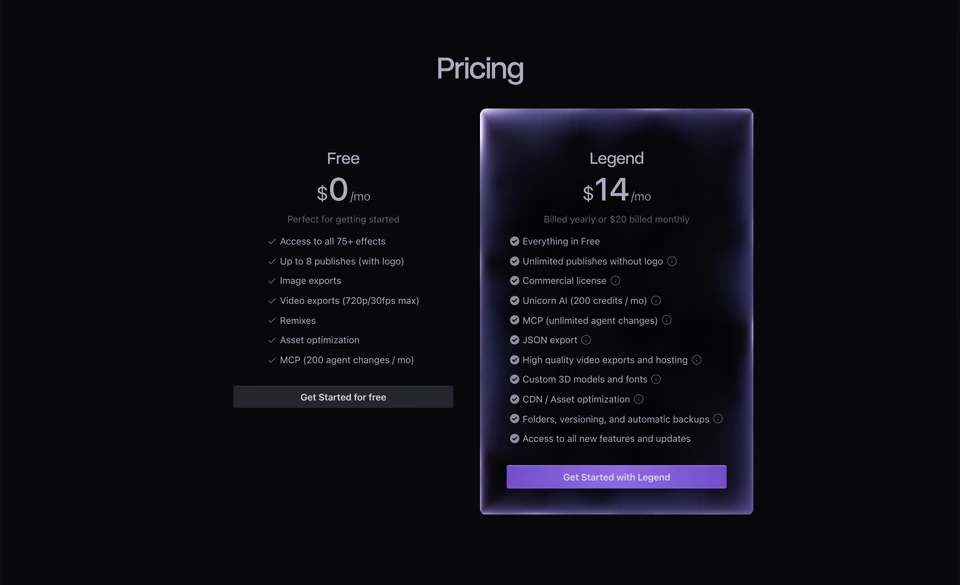
The paid plan in a glowing glass panel, and both prices in one line: $14 billed yearly, or $20 monthly.
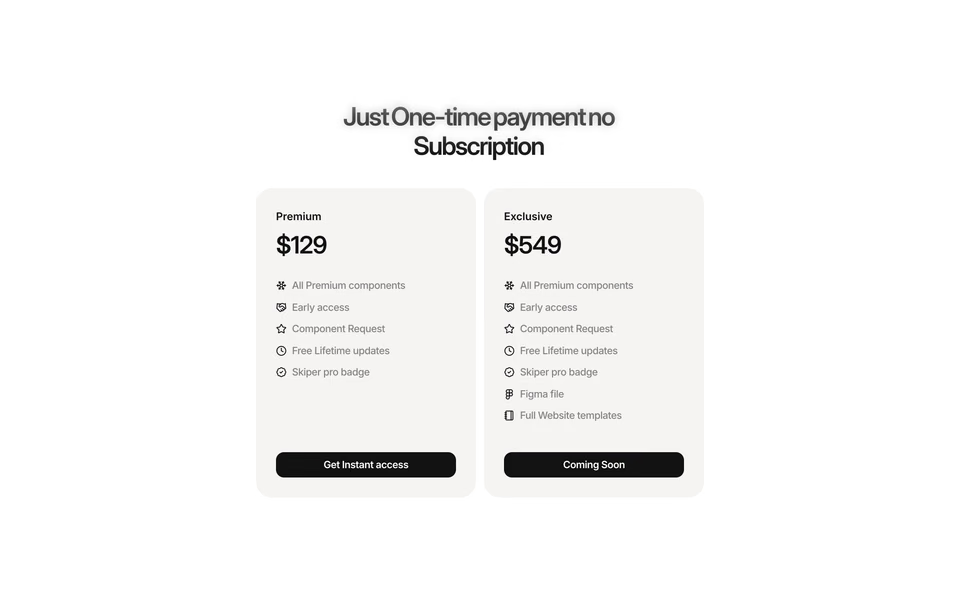
A one-time price, said in the headline, and the bigger plan marked Coming Soon.
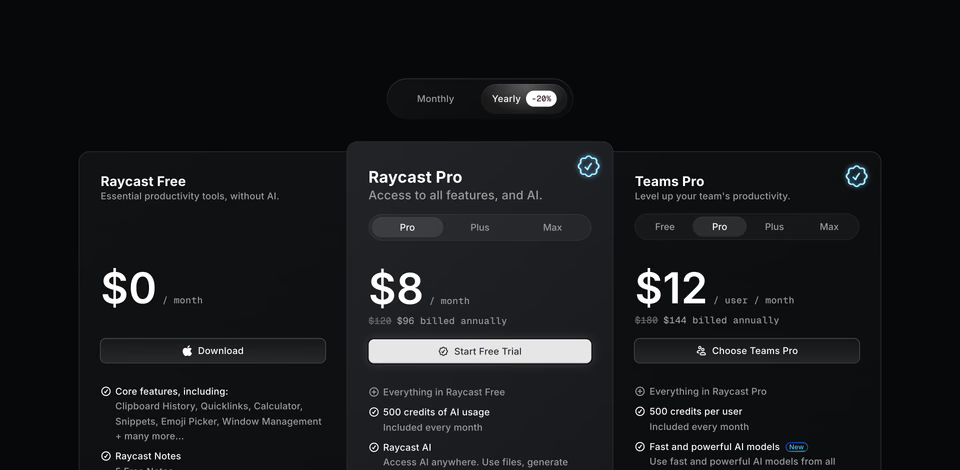
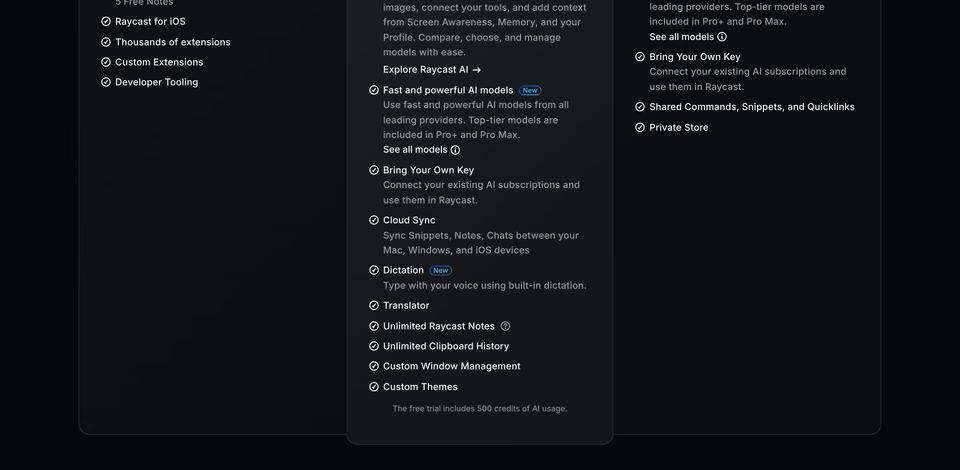
A yearly switch worth 20%, the old price struck through, sub-plans as tabs inside each card, and an enterprise row billed annually.
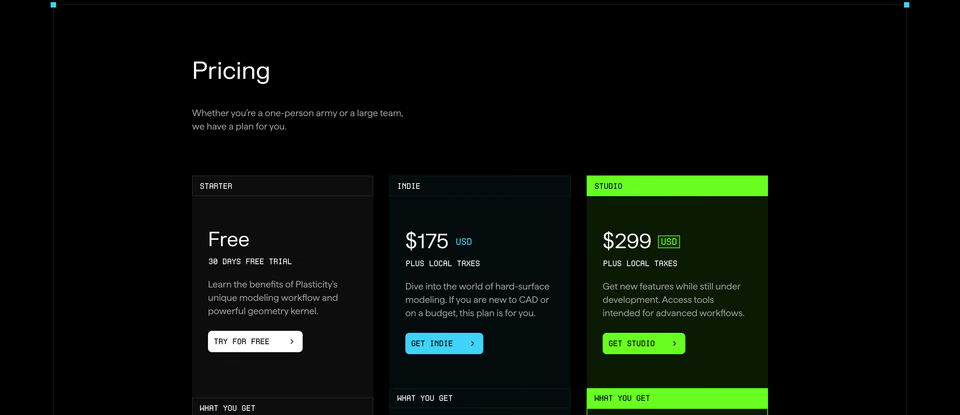
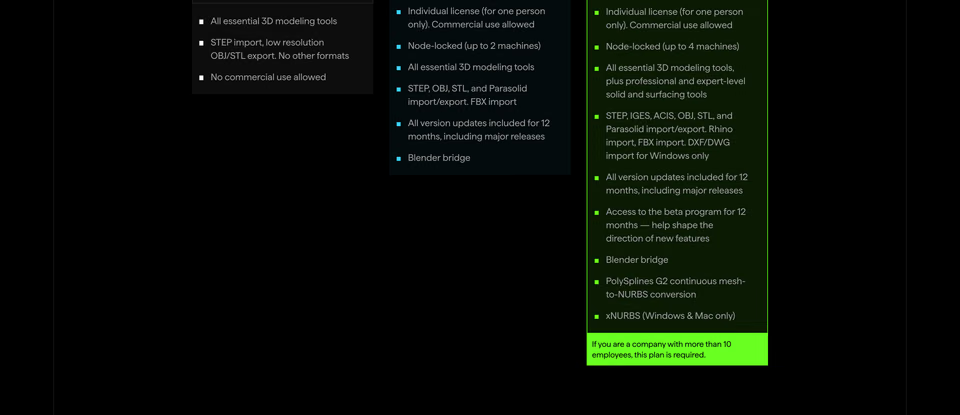
Plus local taxes under each price, how many machines a licence covers, and a note that companies of more than ten people need Studio.
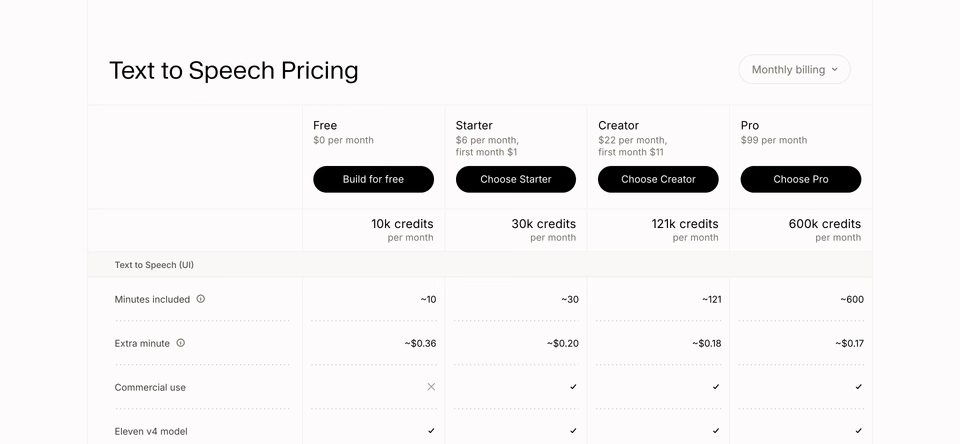
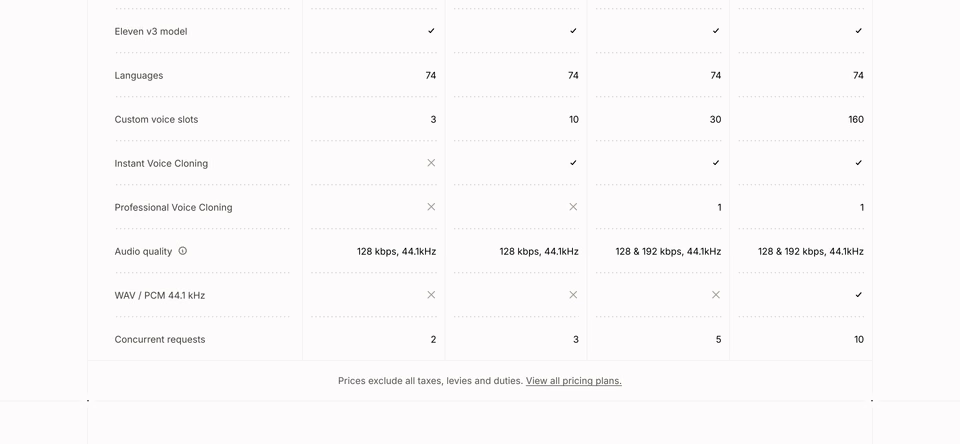
Credits, minutes and the price of an extra minute, plan by plan, closed by a line that prices exclude taxes.
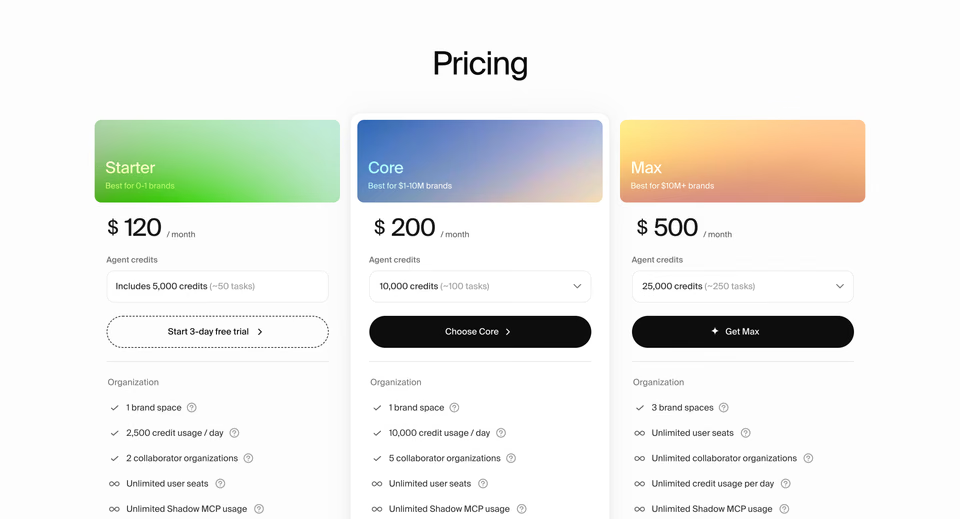
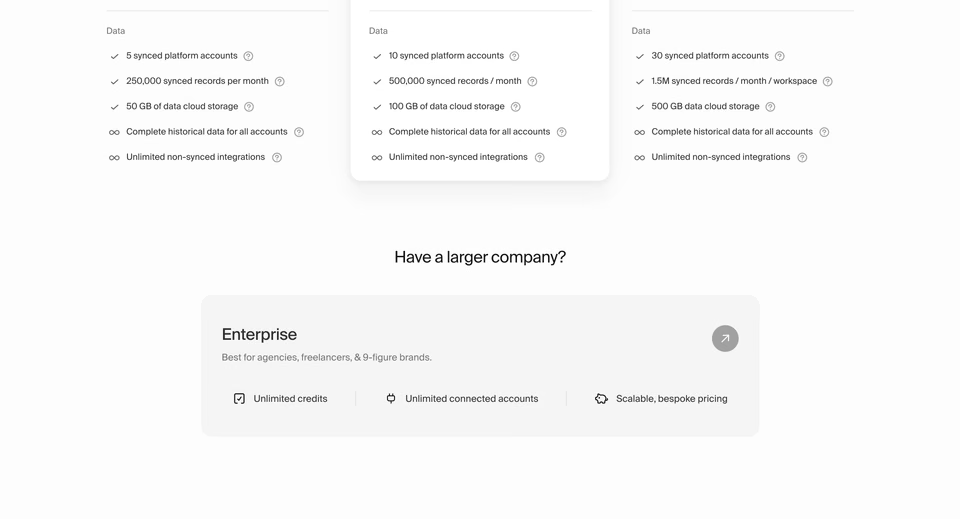
Each plan named for the size of brand it suits, credits picked from a menu, and an enterprise row for agencies.
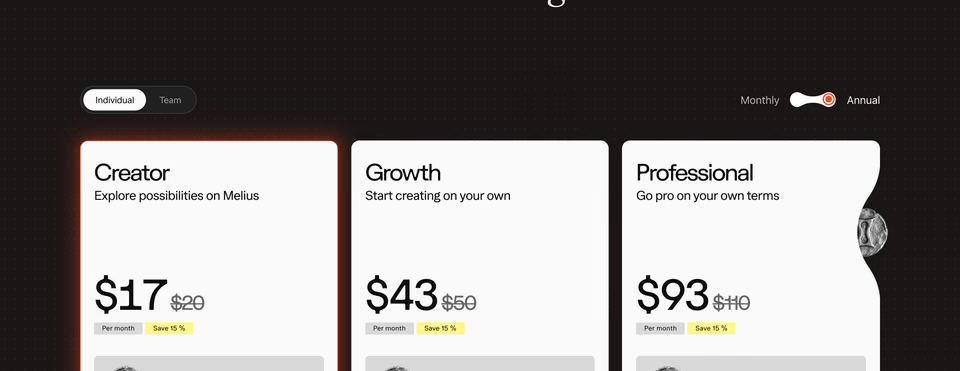
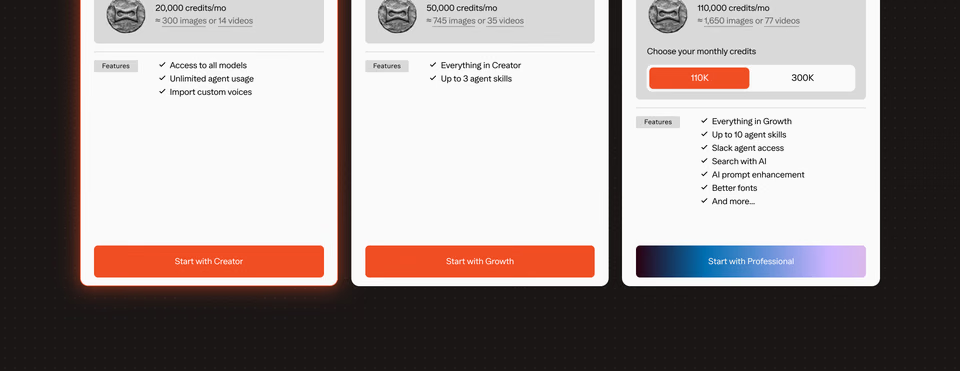
Individual or Team, Monthly or Annual, and credits turned into images and videos you can picture.
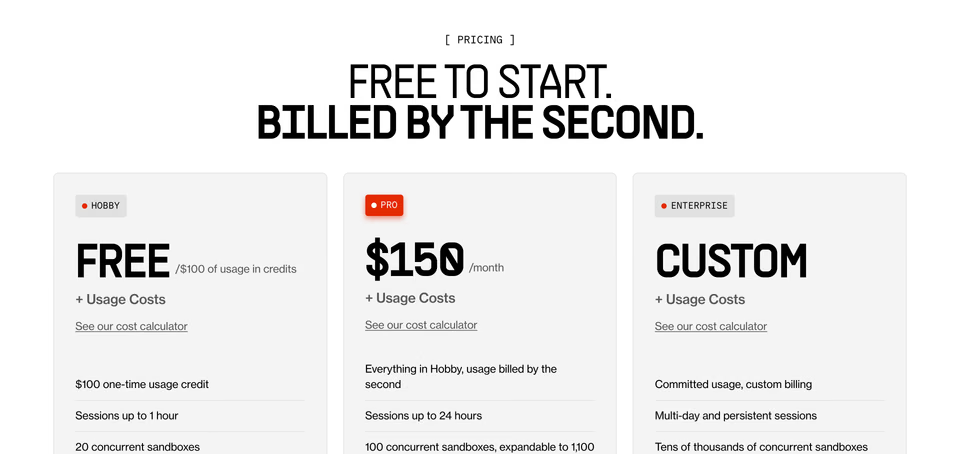
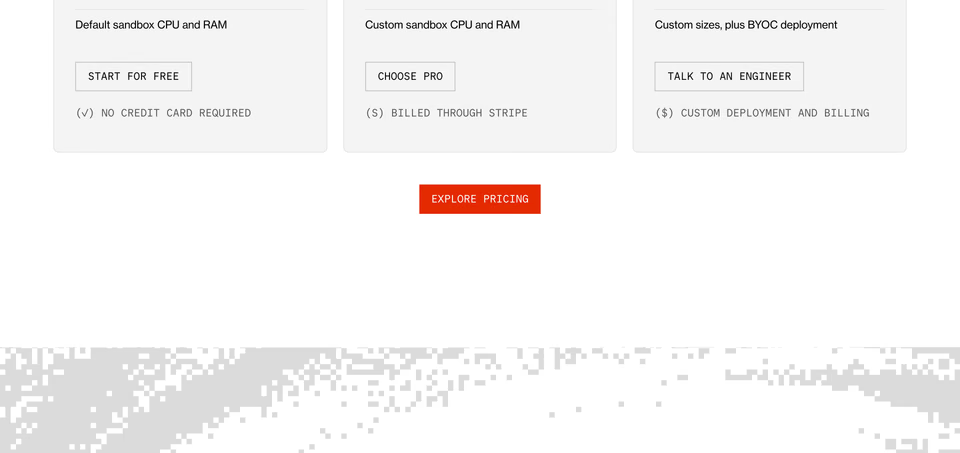
Free to start, usage costs on every plan, and a cost calculator linked under each price.
What the real ones carry is everything a business had to decide: whether prices include tax, as Plasticity and ElevenLabs say, what a yearly plan saves, as on Raycast, how usage is charged on top, as on E2B, and what happens for a company too big for any plan. When you design a pricing section, those are the parts you’ll have to place too, and seeing where others put them saves a round of guessing.
The top four for “fintech landing page”, the same way:
regards fintech landing page 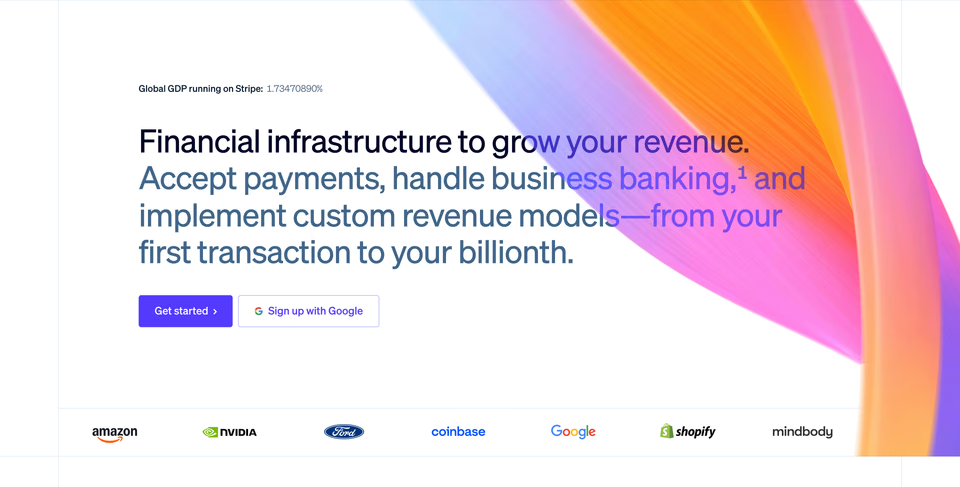
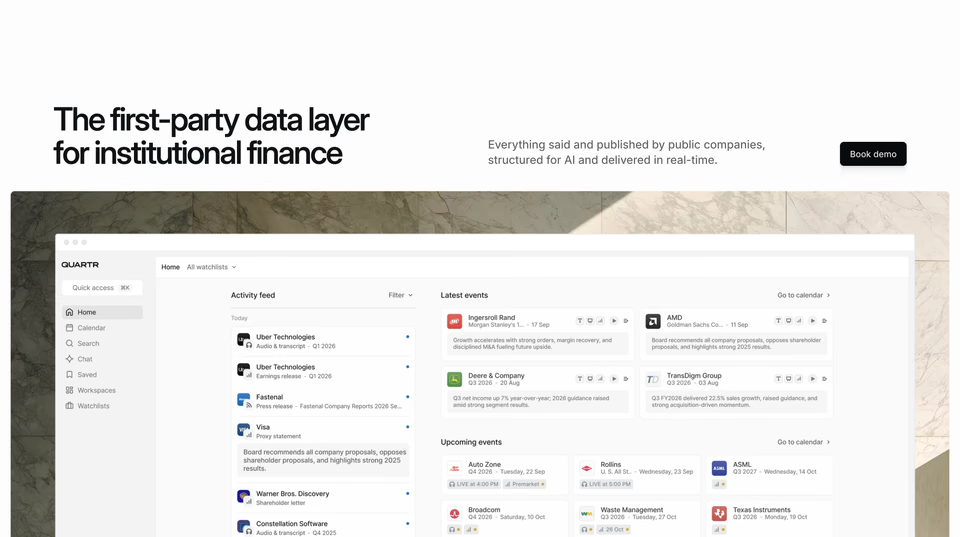

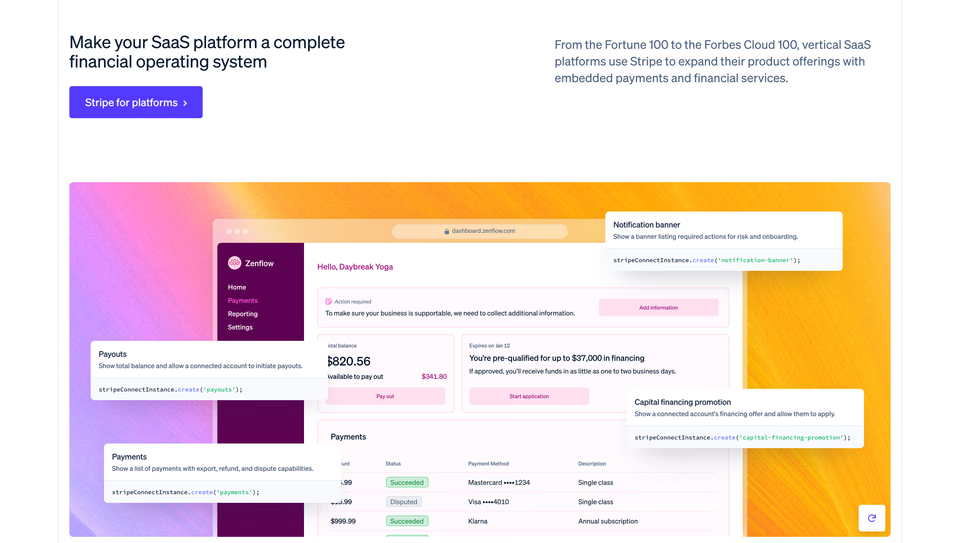
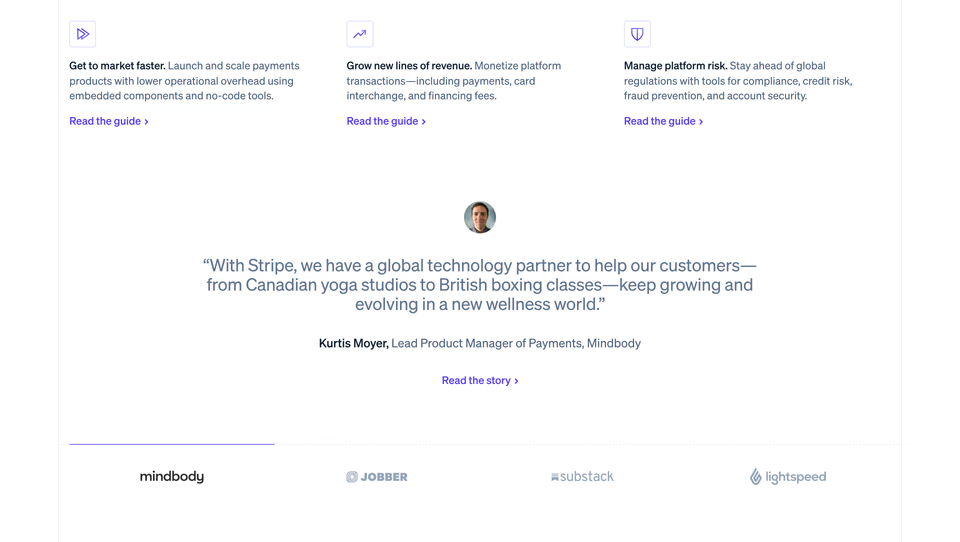
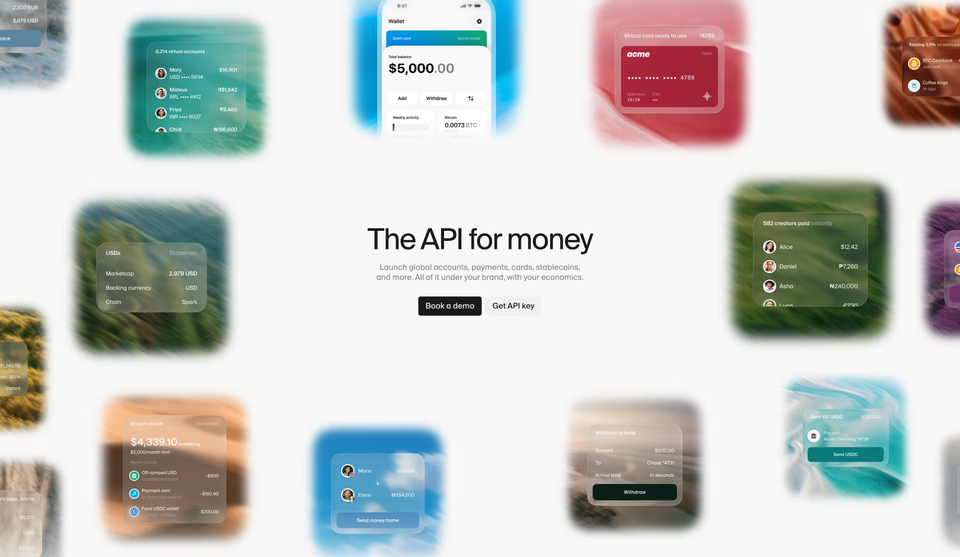

Three companies’ live pages, Stripe twice, Quartr and Lightspark. Further down, the results reach past finance to software sites near it, so a brief that says what you’re after, “a hero that shows the money moving”, finds more than a category does.
Why people look for Dribbble alternatives
- A shot isn’t a site. Dribbble’s guidelines ask designers to keep websites and URLs out of a shot and its description, so a shot doesn’t lead to a live page, and nothing on Dribbble has to have shipped. For web design, it often helps to see what held up on a real site, with real words and real prices in it.
- Concepts, kits and client work, side by side. Dribbble welcomes explorations as well as finished work, and a shot doesn’t have to say which it is. Of the 47 shots its search for “pricing page” showed us, six called themselves a concept or an exploration and six were one UI kit’s page.
- One page, then a sign-up. Signed out, a search shows one page of shots, then asks you to sign up to see more.
- Agents. Dribbble lists no MCP server, so a coding agent can’t search it for references. Several of the sites below run one.
For whole websites that shipped
Galleries of live websites, each one picked by a person, so what you find is there to open and click through.
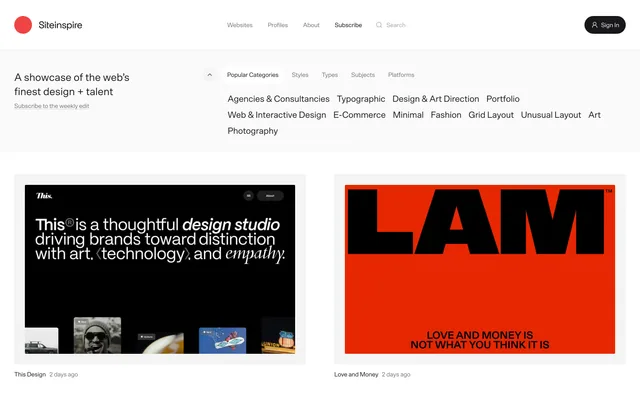
Siteinspire
Websites picked by one editor since 2008, none of them sponsored, filed by style, type and subject. Each entry links the live site and credits the studio that made it. Free, with a public MCP server for agents.
Awwwards
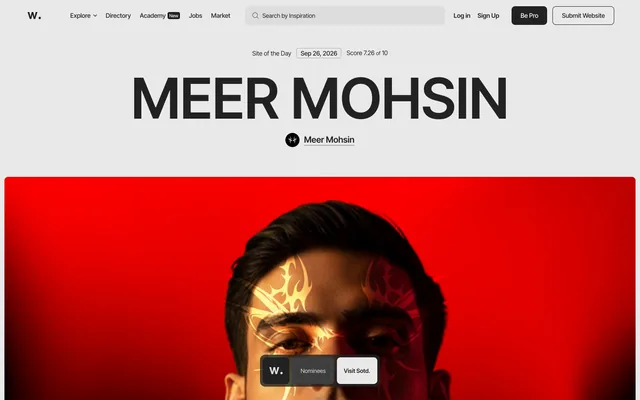
Sites their makers enter, at $65 each, scored by a jury of designers, developers and agencies, and filtered by award, category, technology, font and colour. Every entry has a link to visit the site. Free to browse.
One Page Love
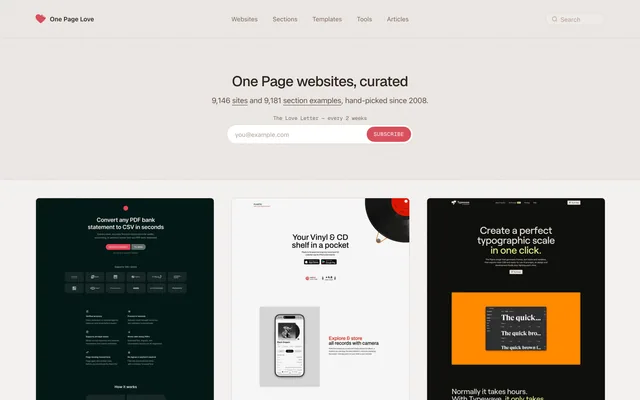
One-page websites hand-picked since 2008, each linking the live site, with section examples beside them, 357 pricing sections among them. Free, and its MCP server is free during its beta, with no key.
Minimal Gallery
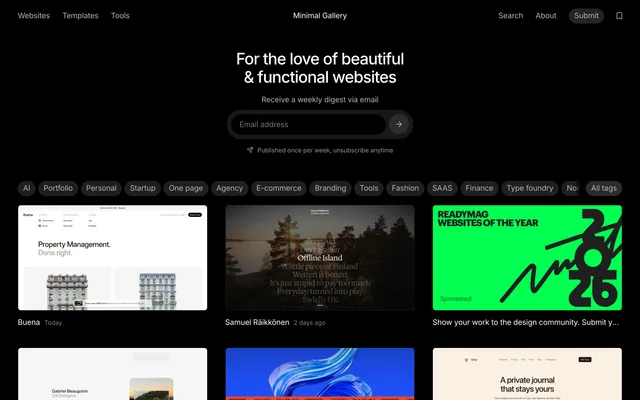
Quiet, functional websites since 2013, filed by kind of site, from portfolios to finance, each shown on desktop and phone with its address. Free.
For the parts of shipped websites
When you’re designing one section, a pricing table, a hero, a footer, and want many real ones side by side.
-
Design Details
Websites captured from the live web and cut into sections, each with its fonts and colours measured and a link to the site. Free, with no account, and agents can search it over its MCP server.
- regards
Better inspiration, not more of it: 3,070+ sections from 330+ websites, each site picked by hand for how it looks, searched by describing the look in plain words. Every section was captured from a live website and opens inside its page, and your agent searches the same library over MCP. Free for 10 searches a day.
Land-book
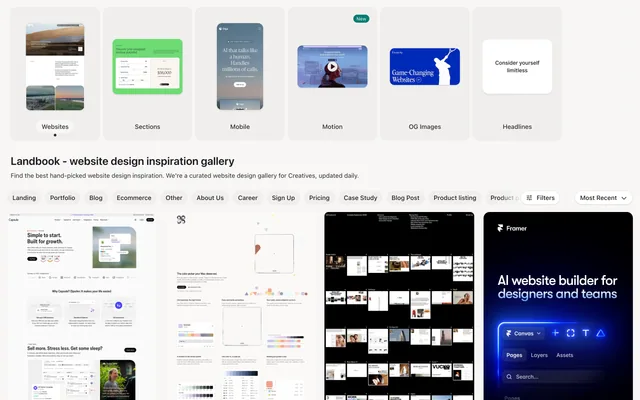
A gallery updated daily, every featured site reviewed by a person, with each page’s sections cropped out by kind and a link to the live site. Templates for sale share the feed, marked as templates. Free with limits; Pro opens unlimited browsing and filters.
Details
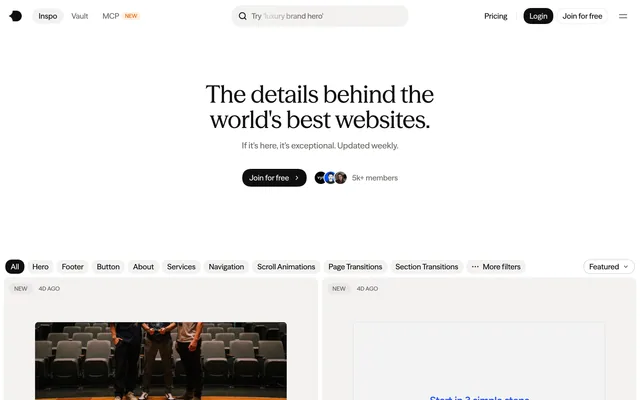
Heroes, footers, transitions and preloaders from live production sites, tagged by hand and added weekly, with code to match on its top plan. Starter is free; Pro is $9 a month billed yearly.
For app screens that shipped
Dribbble is full of app concepts. These keep the screens and flows of apps people use.
Mobbin
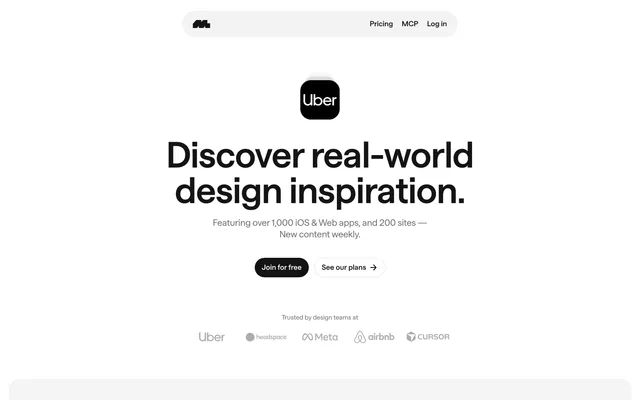
Screens, flows and website sections from shipped apps and sites, searchable, and open to agents over MCP on its paid plans. Free is limited; Pro is $10 a month billed yearly.
Refero
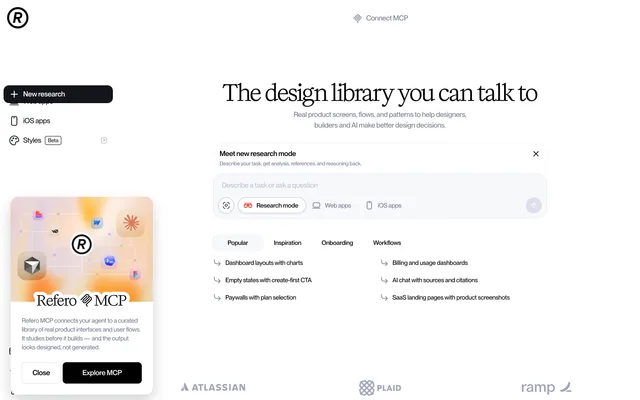
145,000+ screens and user flows from web and iOS products, with an MCP server and a Figma plugin on Pro. Free shows about 3% of the library; Pro is $10 a month billed yearly.
To show your own work, or find a designer
What Dribbble does best. If that’s why you’re there, these do it too.
-
Behance
Adobe’s network for creative work: whole projects and case studies rather than single shots, with freelance work through it. Free to publish and browse; Pro, US$9.99 a month, is for creators selling their work.
Layers
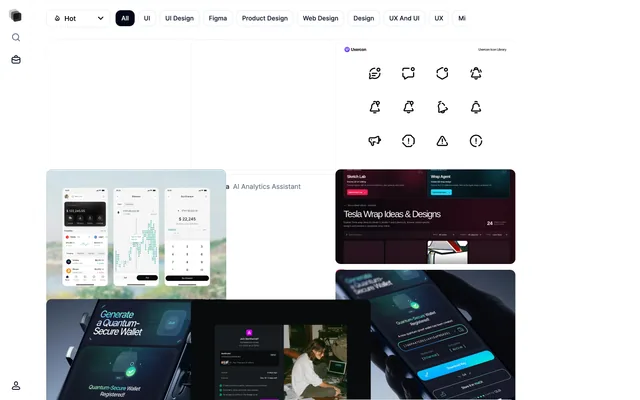
A home for designers to share what they’re working on and get it seen, open to everyone since 2020, with a feed of designs filed by tag and a jobs board. Free to join.
What about moodboards and image boards?
Image boards like Pinterest, Savee and Cosmos gather a mood from anywhere, and our roundup of inspiration sites compares the boards made for designers. For a website, the galleries above work as a board that stays tied to the
web: every entry is a site you can visit. On regards a board holds sections of real websites, two boards on the
free plan, each shareable by link.
Which should you pick?
- Whole sites that shipped, free. Siteinspire, One Page Love, Minimal Gallery, and Awwwards for sites scored by a jury.
- One section of a page. Design Details for free, regards to describe the look you want, Land-book and Details.
- An app. Mobbin or Refero.
- Showing your work, or hiring. Dribbble itself, Behance or Layers.
- Briefing a coding agent. The ones that run an MCP server: Siteinspire, One Page Love, Design Details, regards, Details, Mobbin and Refero. Our MCP roundup compares them.
For sections alone, our section libraries roundup scores fourteen of them, ours included.
More alternatives
For other galleries: Godly, Awwwards, Land-book, Lapa Ninja, Siteinspire, One Page Love, Httpster and Minimal Gallery. Or browse every gallery we know of in Galleries.
Sources, checked 11 November 2026: Dribbble’s about, guidelines, guide to sharing work, Pro and search; Siteinspire’s about and llms.txt; Awwwards’ about, submit and websites; One Page Love’s about, home page and MCP; Minimal Gallery’s about; Design Details’ press kit and llms.txt; Land-book’s llms.txt; Details’ Inspo and pricing; Mobbin’s llms.txt and pricing; Refero’s pricing; Behance’s Pro; Layers’ about.
FAQ
What’s the best Dribbble alternative for web design?
For live websites rather than shots, Siteinspire and One Page Love, both hand-picked since 2008 and free, and Awwwards for sites scored by a jury. For one part of a page, Design Details for free, and regards to search sections of hand-picked live websites by how they look. For apps, Mobbin and Refero.
Are Dribbble shots real websites?
Some are, and most don’t say. Of the 47 shots Dribbble’s search for “pricing page” showed signed out on 11 November 2026, six called themselves a concept or an exploration, six were one UI kit’s page, two said they were a company’s live page, and 27 said neither. Dribbble’s guidelines keep links out of shots, so none led to a live page.
Is there a Pinterest for web design?
Galleries of live websites work that way, every entry a site you can visit: Siteinspire, One Page Love and Minimal Gallery are free to browse. On Details and regards you can also save what you find to boards; a board on regards holds sections of real websites, two boards on the free plan, each shareable by link.
Which Dribbble alternatives are free?
Siteinspire, One Page Love, Minimal Gallery and Design Details are free, with no account needed to browse, and Awwwards is free to browse. Land-book, Details, Mobbin and Refero have free plans with limits. regards’ free plan searches the whole library, 10 searches a day, and Behance and Layers are free to join.