Website animation prompts for Claude, Cursor and Lovable, with real timing
What a prompt needs to get the animation you mean rather than a fade on everything, the words for how motion feels and what they were on real sites, six prompts to paste, each written from an interaction measured on a live site, and how to hand your agent the reference itself.
The short answer
Tell the agent the animation’s name, what sets it off, what moves and how far, how long and on what curve, in what order, and what happens on the way back, then point it at a real one. “On hover, roll the label up 29 px while the new label rises from below, on a spring with a 3% overshoot, and roll back on leave” gets you a button like Turbo’s; “add a nice hover” gets a fade. The prompts in this guide are written from interactions recorded on live sites with their timing measured, and  regards’ MCP server lets Claude Code or Cursor search those recordings itself: 430+ of them, from 130+ sites picked by hand for their look.
Ask a coding agent for “some nice animations” and you get the same thing on every site: each block fading up a few pixels, all at the same speed, on the same curve. The agent can write motion, but it can’t see the one you have in mind, so it falls back on the default. The specifics make an animation look designed: what moves, by how much, how fast, on what curve, in what order, and what happens on the way back.
Every prompt below is written from an interaction recorded on a live website, with its timing and curves as
measured, beside the clip it came from. They come from regards.design: 430+ hovers, menus, scroll reveals and
loops recorded on 130+ sites picked by hand for how they look, which you or your agent can search by what they do. Each one was filmed on its live page at 60 frames a second and
timed frame by frame; its curve is either declared in the site’s own code or fitted to the frames.
Can Claude make animated websites?
Yes. Claude Code, Cursor, Lovable and the other coding agents write the CSS and JavaScript for hovers, menus, scroll reveals and loops, with a library such as Motion or GSAP when the page needs one. Without a name, a timing and a curve, the agent guesses, and its guess is the same everywhere. If you don’t know what an effect is called, our guide to website animation names has the common ones, each with a real example.
What should an animation prompt say?
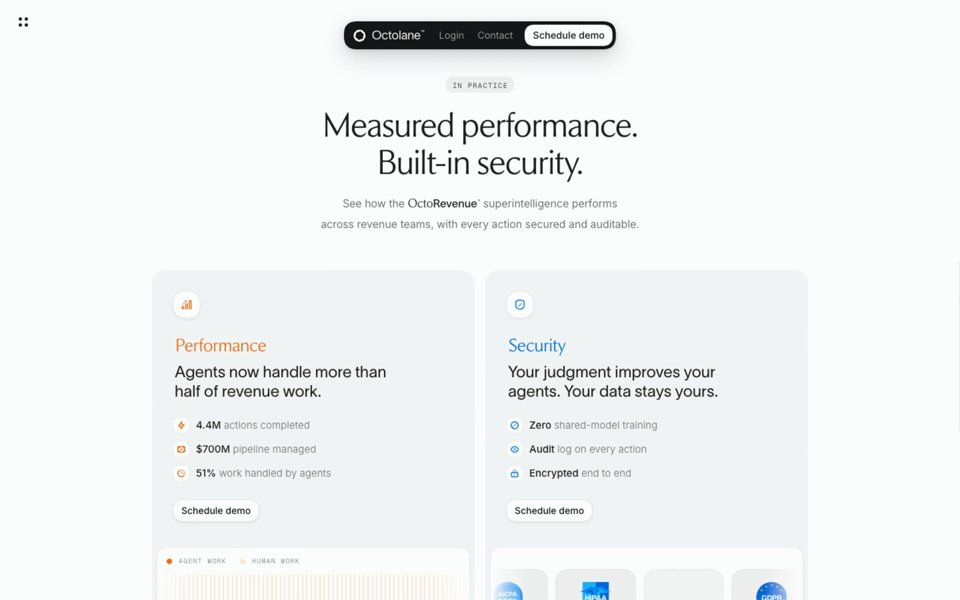
An animation prompt should say eight things: the name, what sets it off, what moves and how far, how long, on what curve, in what order, how it leaves, and what people who turn motion off get instead. Here they are filled in from one real interaction, the heading that reveals itself on Octolane’s home page, shown under the prompts below:
| Say | What it means | Octolane’s scroll reveal |
|---|---|---|
| The name | What it’s called, so the agent knows the family | A scroll reveal |
| What sets it off | Hover, a click, coming into view, the scroll position, the page loading, or nothing | The heading scrolling into view |
| What moves, and how far | Position, size, opacity, blur, colour, a clip; in pixels or percent | Fades in, rises 30 px, sharpens from a 6 px blur |
| How long | In milliseconds | 760 ms |
| On what curve | A named ease, a cubic-bezier or a spring | cubic-bezier(0.22, 1, 0.36, 1), a strong ease-out |
| In what order | What goes first, and how far apart the rest follow | The paragraph follows 90 ms later |
| The way back | Whether it reverses, replays or stays, and how fast it leaves | Plays once; no replay on scroll up |
| With reduced motion | What people who turn motion off get instead | Everything shown at once |
Leave out what doesn’t matter for the moment you’re describing, but keep the timing and the curve: without them the agent uses its default, and those two numbers decide whether the page feels quick or slow.
What words describe how an animation feels?
People brief motion in feelings: snappy, soft, springy. Put a number beside each; here is one real site for each, measured:
| When you say | On a real site, measured |
|---|---|
| Snappy | Polar’s menu: the panel drops 3 px and fades in from 18% in about 150 ms, an ease-out |
| Calm, soft | Octolane’s heading: 760 ms on a strong ease-out, sharpening from a blur |
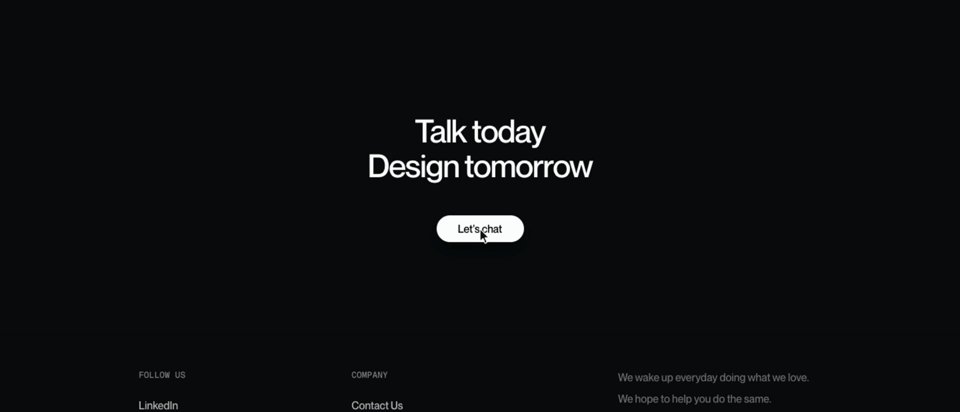
| Springy, lively | Turbo’s button: a spring (stiffness 400, damping 30) that passes its mark by 3% and settles in about 550 ms |
| Unhurried | Air’s tab pill: about 1.1 s on cubic-bezier(0.276, -0.128, 0, 1.175), a slight wind-up, then a small overshoot |
| Crisp but soft | Clerk’s menu: fades in over 300 ms while a 700 ms spring-like scale settles it; out in 200 ms |
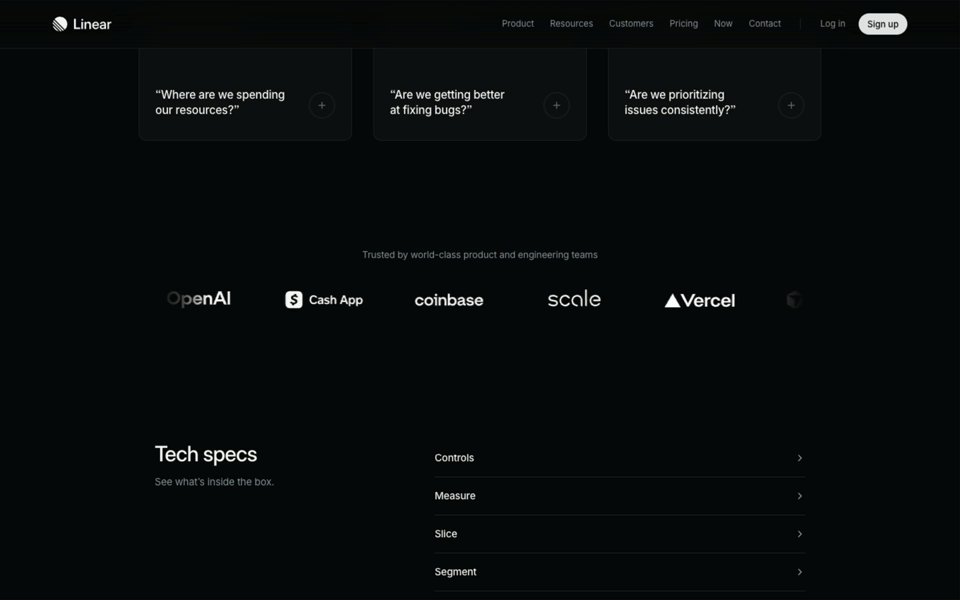
| Ambient | Linear’s logos: a constant, linear drift of about 25 px a second |
Things that answer the pointer are short, a few hundred milliseconds at most, while things that run on their own can be long, because nobody is waiting for them. And Clerk’s menu leaves in 200 ms after arriving in 300, so moving on never waits for it.
Which website animation prompts can you paste?
Six prompts, each written from the clip beside it, plus one for a whole page. Paste one into Claude Code, Cursor or Lovable, change the names of your own elements, and keep the numbers. More of these animations, picked by hand, are on our website animation examples page.
A scroll reveal
The heading arrives as it comes into view, slowly enough to read as calm, and the paragraph follows it in.
A text roll on a button
The old label slides up and out as the new one rises from below, quick and a little lively, with the button lifting off the page.
A sliding tab indicator
The pill travels to the tab you click instead of jumping, and the picture the tab controls changes with it.

A dropdown menu
The panel is readable almost at once and settles softly. Moving along the nav swaps it without a flicker, and it leaves faster than it came.

An accordion that changes a picture
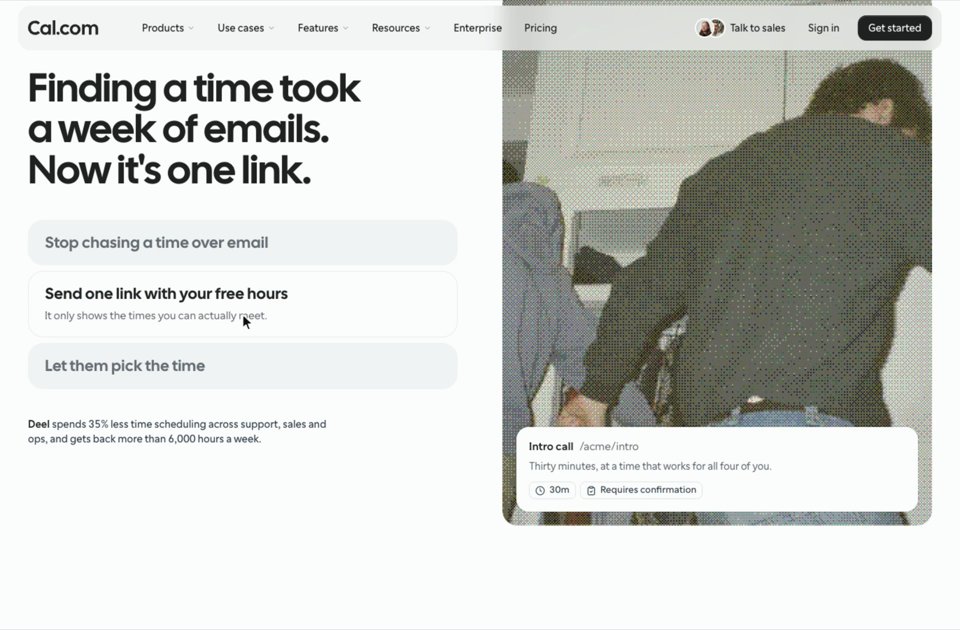
Each step opens as you point at it, and the screen beside the list changes to match, so a list of features reads as one scene.
A logo marquee
The logos drift so slowly they hardly ask for attention, and the edges fade so the row never seems to end.
A prompt for a whole animated landing page
The same numbers, put together for one page. Each part is one of the prompts above, shortened, plus Cora’s pricing toggle, whose pill slides over 300 ms on a plain ease, as its own code declares. Which parts of a landing page should move at all, and which to keep still, is in our landing page animation ideas.
How do you give your agent a real reference?
Give it the interaction itself. The prompts above are references
written out by hand; an agent can also look one up itself. Connect regards to Claude Code, Cursor or any agent that reads
MCP servers (the steps for each are on our agents page), then ask in words: “find a dropdown menu on regards.design that glides open and
feels snappy, not bouncy, then recreate the closest one”. The agent gets each interaction’s clip, its parts and every beat as measured, which is enough to write it, and regards’ interactions skill shows it how. Here is that search, run on
17 November 2026 the way an agent runs it:
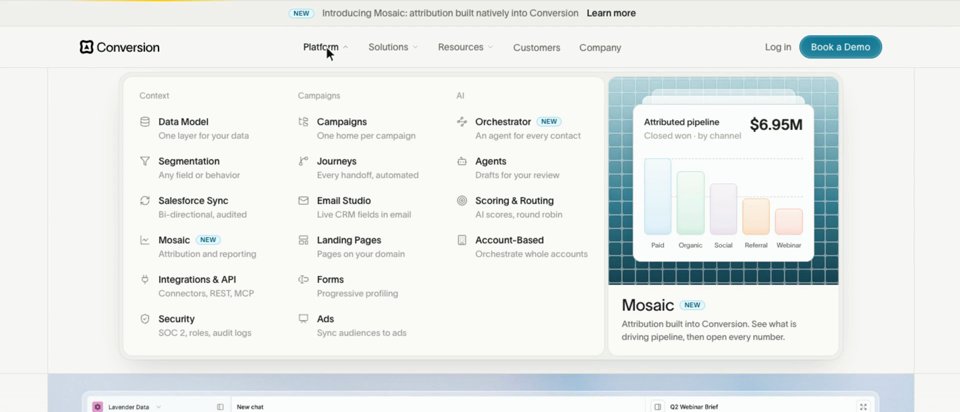
regards, interactions a dropdown menu that glides open from the nav and feels snappy, not bouncy Take the settle: the panel is there at once and grows the last few percent to full size, while the other labels dim.
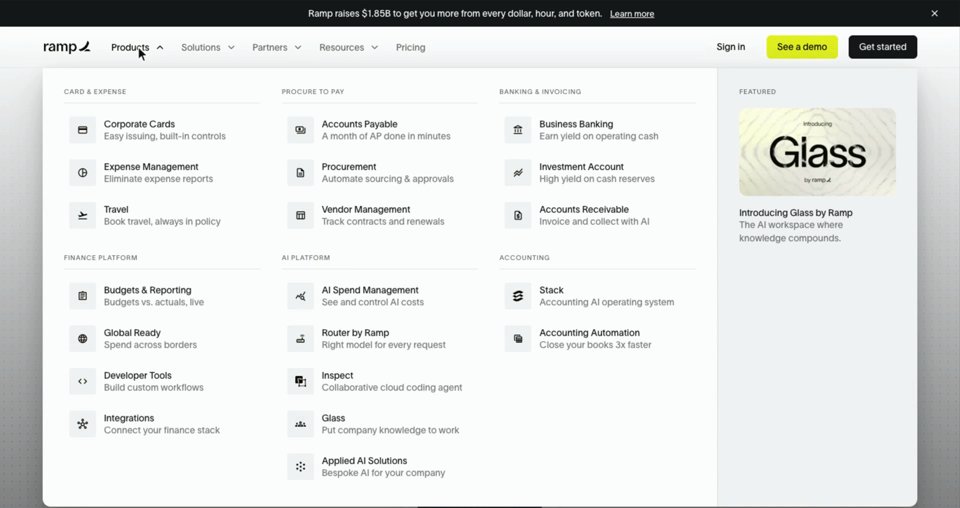
Take the morph: one white box resizes to each menu’s panel as you move along the nav, its contents crossing over inside it.
Take the direction: the page dims behind the menu, and each new panel slides in from the side you’re heading towards.
For other servers that feed an agent design references, see our comparison of the best design MCP servers; for references to the rest of a page, sections rather than motion, see our guide to website inspiration for Claude Code, Cursor and Codex.
Is there a Claude skill for website animations?
Yes: regards’ interactions skill teaches Claude Code and other agents that
read skills how to search interactions recorded on real sites, read each one’s beats as measured, and recreate the
closest. It works through the MCP server, so connect that first (our agents page has the steps).
For skills that shape how a page looks rather than how it moves, see our comparison of the best design skills for Claude Code.
Why do AI-made animations look generic, and how do you fix it?
AI-made animations look generic because agents fall back on one default: one fade-up for every block, one duration for every element, nothing leaving faster than it arrives, and motion on things nobody touches. Fix it with different timing for each: buttons that answer within a few hundred milliseconds, a hero that takes its time, exits shorter than entrances. The same goes for the look of a page: our guide to making a website look less vibe coded covers the rest.
What should every animation prompt ask for?
Every animation prompt should ask for transform and opacity rather than width, height or position, and for a reduced-motion version. Browsers run transform and opacity smoothly, as web.dev’s guide to high-performance animations explains, and the prefers-reduced-motion media query gives people who turn motion off a still page.
Sources, checked 17 November 2026: Claude Code’s MCP docs, Motion (“prev Framer Motion”), and web.dev and MDN as linked above. Every
timing and curve is the interaction’s own, as recorded and measured on its live site; each one’s page on regards.design shows the same beats to signed-in readers.
FAQ
Can Claude make animated websites?
Yes. Claude Code, Cursor, Lovable and other coding agents write the CSS and JavaScript for hovers, menus, scroll reveals and loops, with a library such as Motion or GSAP when the page needs one. They can’t see the animation you have in mind, so a vague ask gets the safe default: the same short fade on everything. Name the animation, give its timing and curve, or hand the agent a real one to copy.
What is a good prompt for website animations?
One that says what sets the animation off, what moves and how far, for how long, on what curve, in what order, and how it leaves. For example: “As each heading scrolls into view, fade it in, raise it 30 px and sharpen it from a 6 px blur over 760 ms on cubic-bezier(0.22, 1, 0.36, 1); the paragraph under it follows 90 ms later; don’t replay on scroll up; with reduced motion, show everything at once.”
Is there a Claude skill for website animations?
Yes. regards’ interactions skill shows Claude Code and other agents how to search interactions recorded on real websites over regards’ MCP server, read each one’s measured timing and curves, and recreate the closest. Without a skill, a prompt that names the animation and gives its timing and curve does most of the work.
Should I use CSS, Framer Motion or GSAP for website animations?
CSS transitions cover most hovers, toggles, tabs and simple scroll reveals, and need nothing installed. Motion, the library once called Framer Motion, suits React sites that animate layout, shared elements or springs. GSAP suits long, choreographed sequences tied to the scroll. Say which one the project already uses, so the agent doesn’t add a second.